How to add board description in Trello
Here is how to add board description in trello
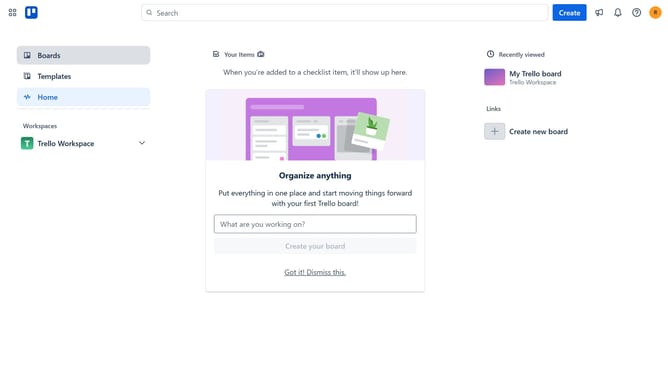
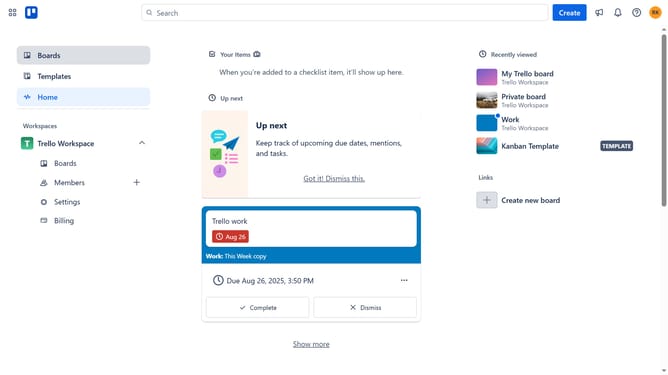
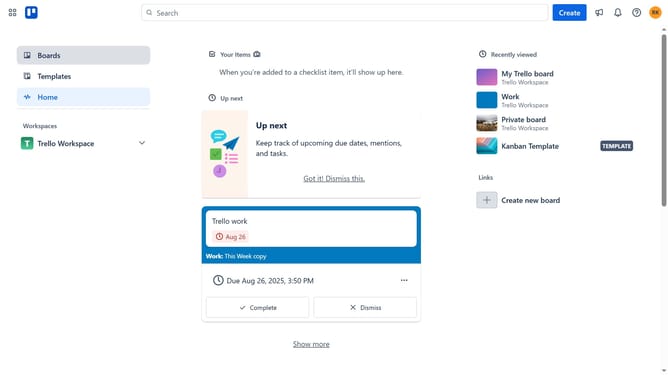
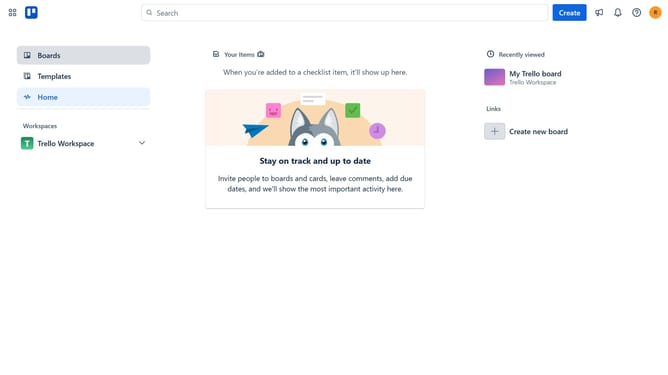
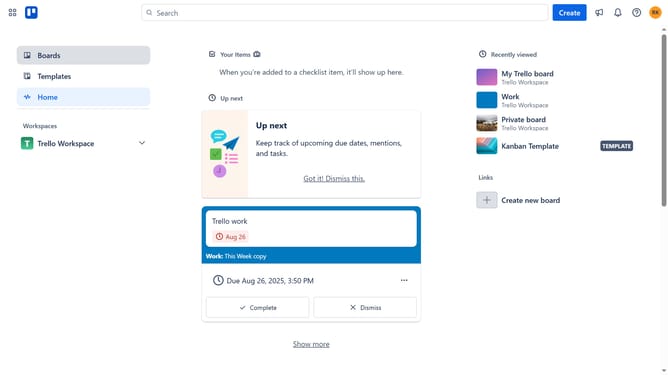
- First click on the "Boards" option in the left sidebar menu
- Then select the board you want to add description from the workspace boards list
- Next click on the menu button (three dots) in the top-right corner of the board
- Select "About this board" option from the dropdown menu
- Click on the description placeholder text that says "Add a description to let your teammates know what this board is used for"
- Type in the desired description for the board
- Finally click save at the bottom part to save the description
Why should you add board description in Trello
Trello is a dynamic tool that helps organize tasks, streamline projects, and boost team collaboration.
Adding a board description in Trello is a simple yet powerful feature that enhances clarity and purpose for your projects.
It allows team members to grasp the overarching goals and important details at a glance, ensuring everyone is on the same page from the start.
This feature contributes to improved communication and workflow efficiency, making it easier to track progress and achieve objectives.
Last update