How to delete archived cards in Trello
Here is how to delete archived cards in trello
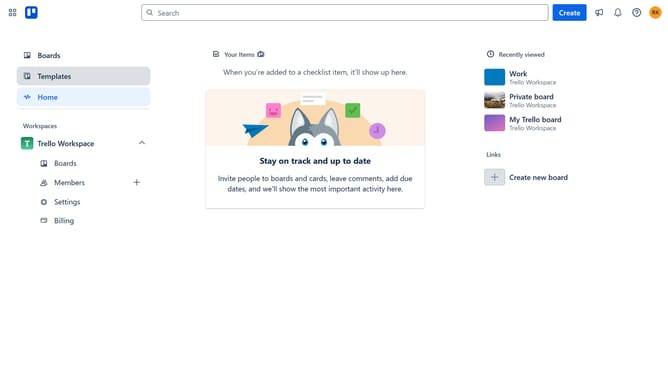
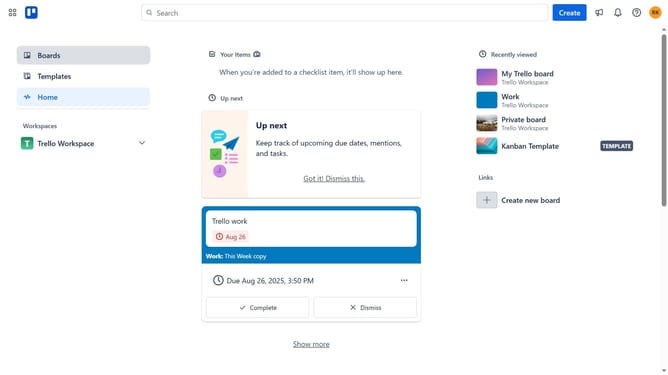
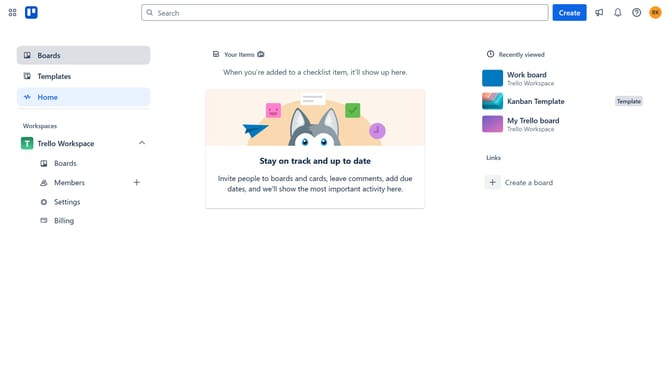
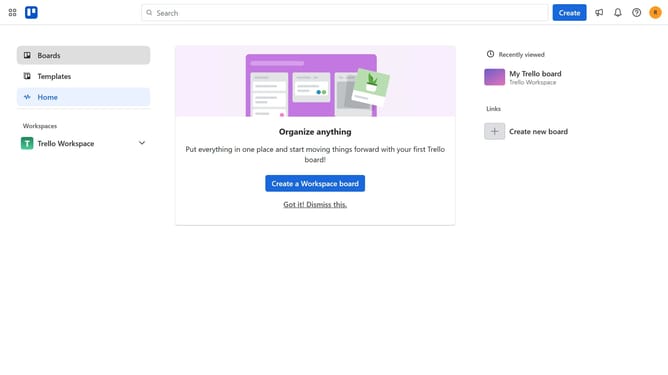
- First click on "Boards" in the left sidebar
- Then click on the board that contains the archived card you want to delete in the Trello Workspace section
- Next click on the three dots menu button in the top-right corner of the board
- Scroll down in the board menu
- Then click on "Archived items" option in the menu
- Next click on "Delete" link next to an archived item
- Finally click the red "Delete" button in the confirmation dialog
Why should you delete archived cards in Trello
Trello is a dynamic project management tool designed to boost team productivity through intuitive boards and cards.
One of its handy features is the ability to delete archived cards, allowing you to keep your workspace clutter-free and focused.
Having the option to remove unwanted archived cards ensures you maintain a tidy and efficient board, which is essential for streamlined workflows and quick access to relevant information.
This feature supports a clean workspace environment, ultimately enhancing team collaboration and productivity.
Last update