How to mark a board as favorite in Trello
Here is how to mark a board as favorite in trello
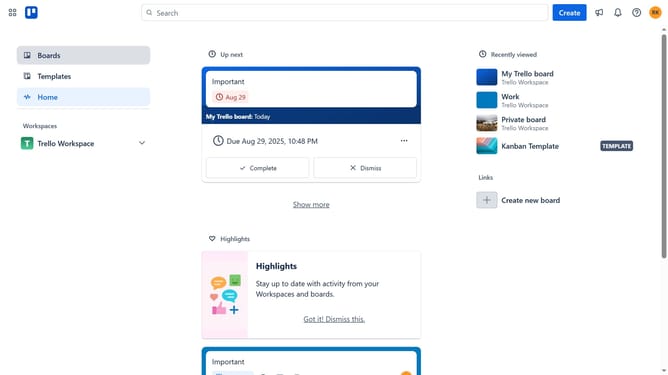
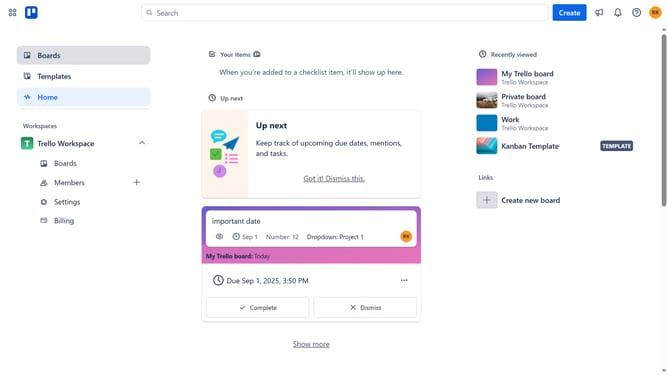
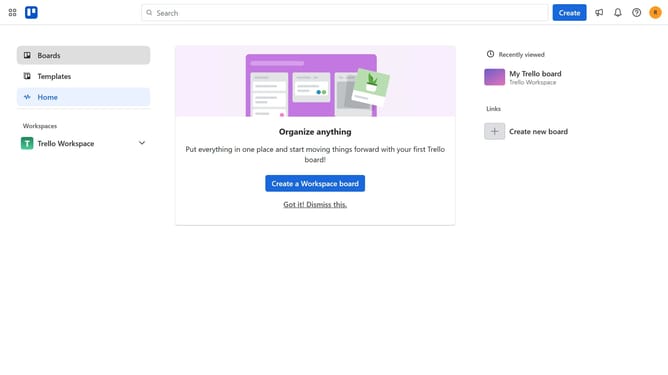
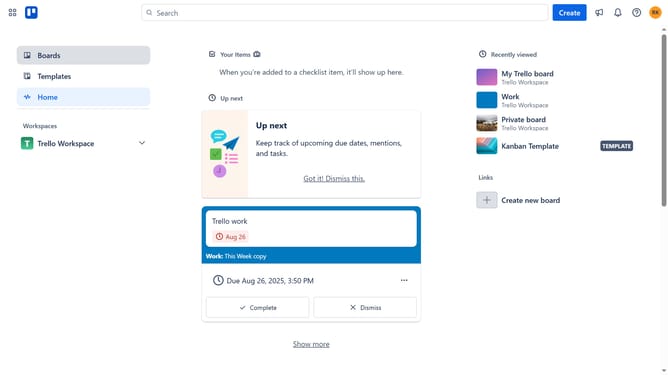
- First click on the "Boards" tab in the left sidebar
- Then click on the board you want to mark as favorite in the workspace section
- Next click on the "More" menu button (three dots) in the top-right corner of the board
- Finally on the star button to mark the board as favorite
Why should you mark a board as favorite in Trello
Trello is a dynamic organizational tool designed to streamline project management and enhance team collaboration.
Marking a board as a favorite in Trello allows you to quickly access your most important projects without searching through numerous boards.
This feature is particularly useful for keeping work priorities at your fingertips, ensuring that high-priority tasks are only a click away.
By streamlining your workflow, this functionality helps you focus on what matters most, increasing productivity and efficiency.
Last update