How to hide custom fields on a card in Trello
Here is how to hide custom fields on a card in trello
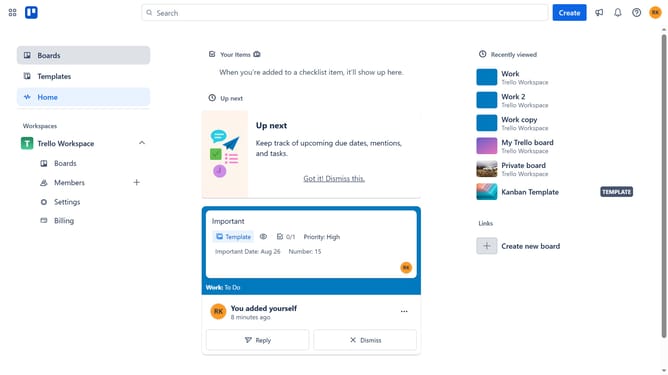
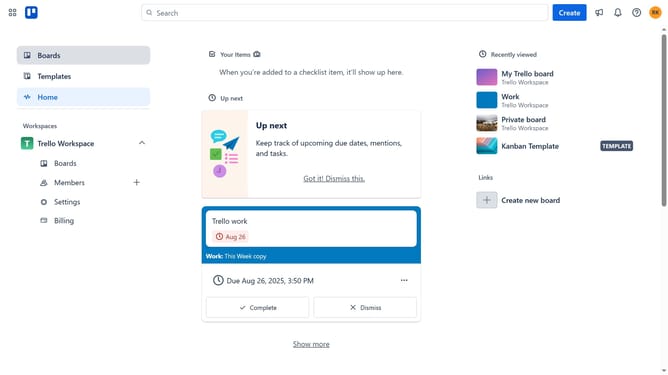
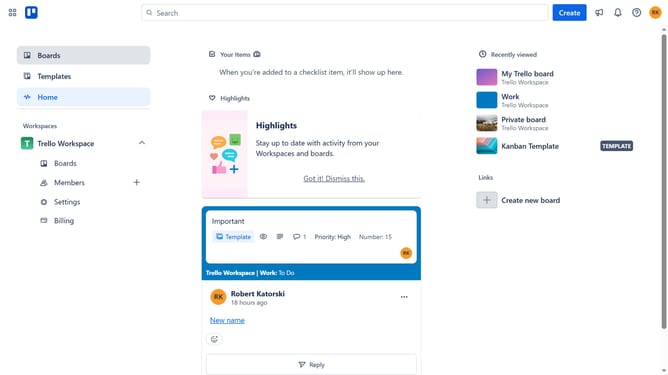
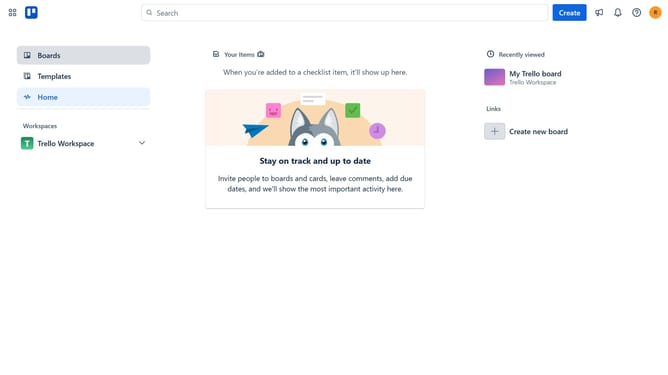
- First click on the "Boards" section in the left sidebar
- Then click on the board you want to hide custom fields from in the workspace section
- Next click on the three dots menu in the top-right corner of the board
- Then click on "Custom Fields" option in the dropdown menu
- Next click on the custom field you want to hide from the custom fields options
- Finally uncheck the box next to "Show field on front of the card" to hide the custom field
Why should you hide custom fields on a card in Trello
Trello is a dynamic platform designed to streamline project management and task organization efficiently.
For users looking to declutter and customize their workflow, hiding custom fields on a Trello card is a seamless feature.
This allows you to maintain a neat and focused view, highlighting only the most relevant information.
Reducing on-screen distractions enhances productivity and ensures team members concentrate on essential tasks, making collaboration that much smoother and more effective.
Last update