How to create a team in HelpScout
Here is how to create a team in helpscout
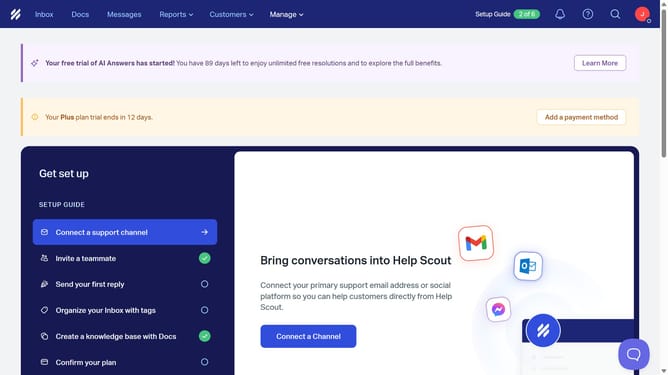
- First click on "Manage" dropdown menu in the top navigation bar
- Then select "Teams" item from the dropdown menu
- Next click on "Create a Team" button in the left panel
- Then enter the team name in the "Team Name" input field
- Next click on the email inbox access checkbox under your preferred inbox
- Finally click on "Create Team" button to complete the team creation
Why should you create a team in HelpScout
Help Scout is an intuitive customer service platform designed to streamline communication with ease.
Creating a team in Help Scout enhances collaboration by organizing users into specific groups. This function optimizes task delegation and ensures that the right team members focus on the right tasks.
It allows for better management and efficiency, fostering seamless communication within the team, ultimately leading to improved customer service and satisfaction.
Last update