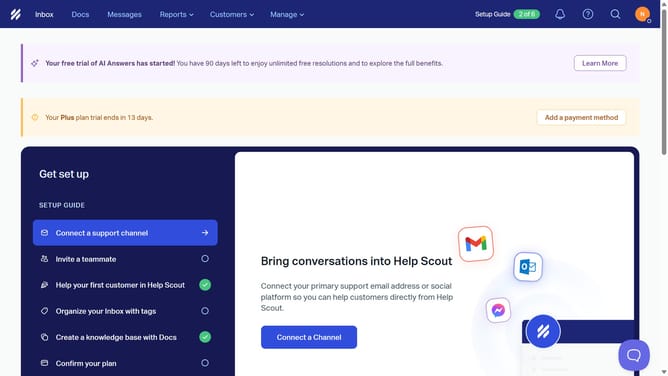
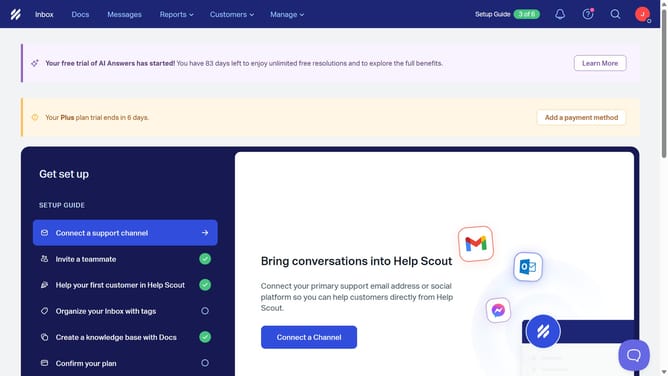
How to add a billing email in HelpScout
Here is how to add a billing email in helpscout
- First click on the profile icon button in the top navigation bar
- Then click on "Your Profile" option from the dropdown menu
- Next click on the "Billing Email" input field in the profile form and update email address
- Finally click on the "Save" button at the bottom of the page
Why should you add a billing email in HelpScout
Help Scout is a powerful tool designed to enhance customer support experiences effortlessly.
One of its handy features is the ability to add a billing email. This allows users to manage billing communications seamlessly.
By setting a specific billing email, you can ensure critical invoices and billing information are directed to the right team members, boosting efficiency and reducing clutter.
Utilizing this feature streamlines financial communications, helps maintain transparency, and ensures no important billing details are overlooked.
Last update