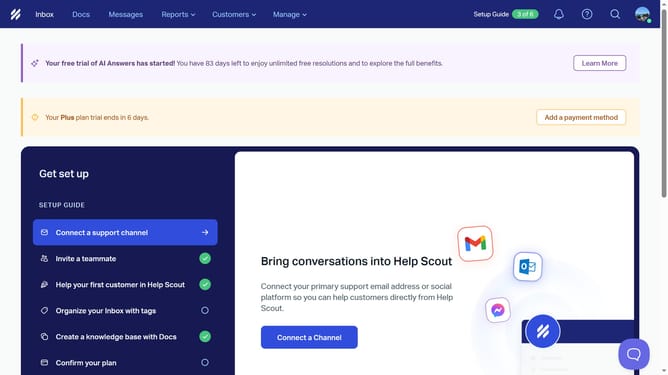
How to enable satisfaction rating on email replies in HelpScout
Here is how to enable satisfaction rating on email replies in helpscout
- First click on "Manage" dropdown menu in the top navigation bar
- Then select "Inbox" option from the dropdown menu
- Next click on the inbox name in the inbox list
- Then click on "Satisfaction Ratings" option in the left sidebar menu
- Next click on the "Enabled" toggle switch to turn on satisfaction ratings
- Finally click on "Save" button to confirm the settings
Why should you enable satisfaction rating on email replies in HelpScout
Help Scout is a customer service platform designed to empower teams with efficient communication tools.
One of its key features is the ability to enable satisfaction ratings on email replies. This feature allows businesses to gather valuable feedback directly from their customers.
By using satisfaction ratings, companies can easily monitor and improve their service quality, leading to happier customers and more effective support teams.
This not only enhances customer experience but also builds trust and loyalty over time.
Last update