How to get notified when a conversation you are following is updated in HelpScout
Here is how to get notified when a conversation you are following is updated in helpscout
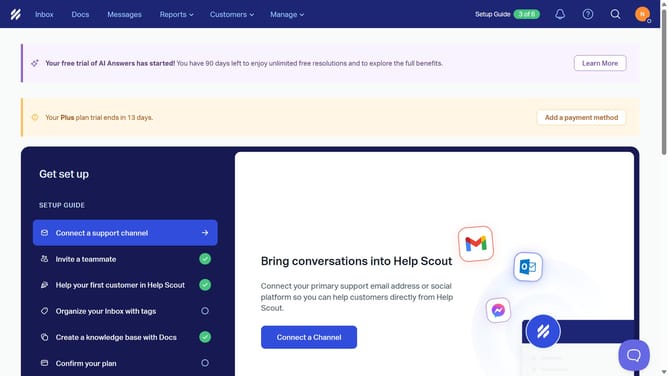
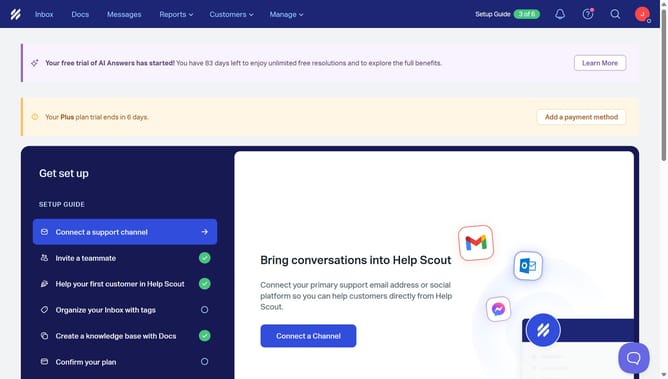
- First click on the profile icon in the header menu
- Then click on "Your Profile" option from the dropdown menu
- Then click on "Notifications" item in the sidebar
- Then click on the email checkbox to enable notifications
- Then click on the browser checkbox to enable notifications
- Finally click on the "Save" button
Why should you get notified when a conversation you are following is updated in HelpScout
Help Scout is a dynamic customer service platform designed to streamline support and enhance customer engagement.
Knowing when a conversation you're following is updated in Help Scout ensures you never miss critical interactions and can respond promptly.
This feature is valuable for maintaining continuity in communication, allowing you to stay informed about any new developments or feedback.
By keeping notifications enabled, you enhance your ability to deliver timely and effective support, ultimately contributing to a better customer experience.
Last update