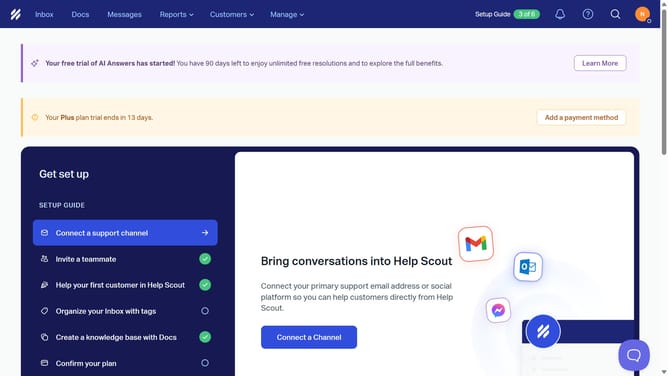
How to view original conversation in HelpScout
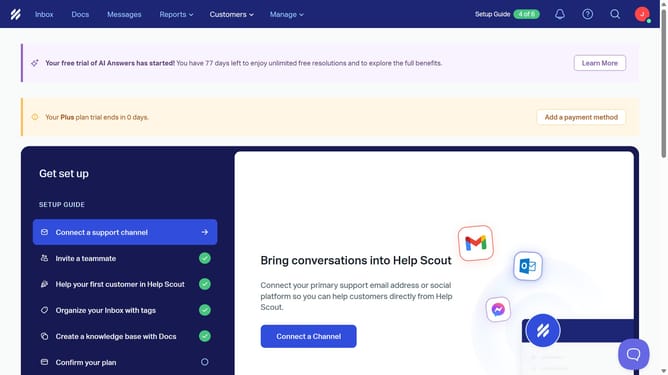
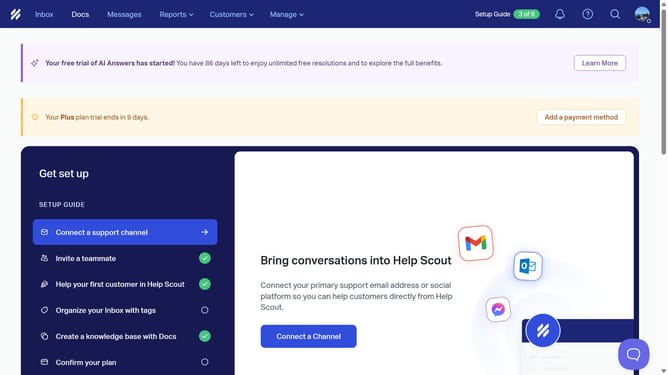
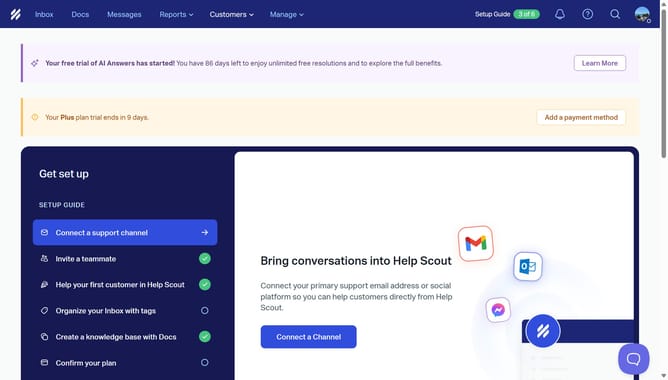
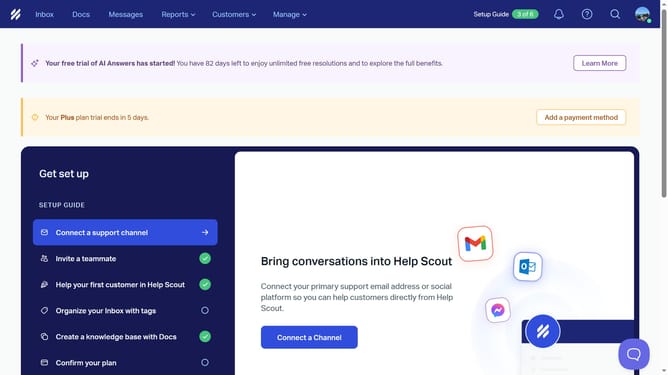
Here is how to view original conversation in helpscout
- First click on the "Inboxes" menu in the header
- Then click on "Guideflow" option in the dropdown menu.
- Next click on the conversation in the main content area
- Finally click on the "View original conversation" button to see the full conversation
Why should you view original conversation in HelpScout
Help Scout is an intuitive customer service platform designed to make managing support conversations easy and efficient.
Among its many powerful features is the ability to view the original conversation, simplifying the way teams interact with customer queries. This functionality allows users to trace back to the initial exchange without losing context.
By easily accessing the original conversation, customer support agents can ensure consistent and coherent responses, which ultimately enhances customer satisfaction and service quality.
With streamlined access to conversation history, teams can work more collaboratively, make better-informed decisions, and maintain a personalized touch in their interactions.
Last update