How to move an article to another category in Help Scout
Here is how to move an article to another category in help scout
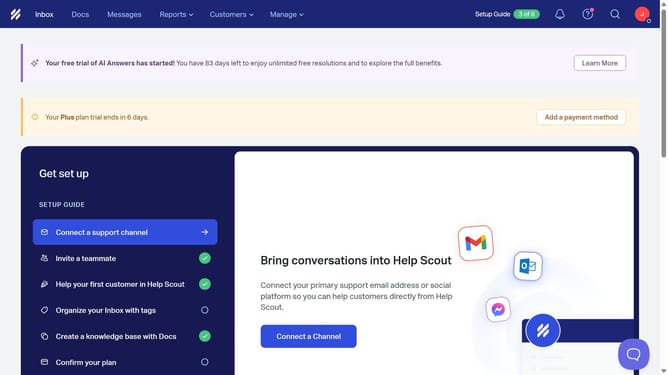
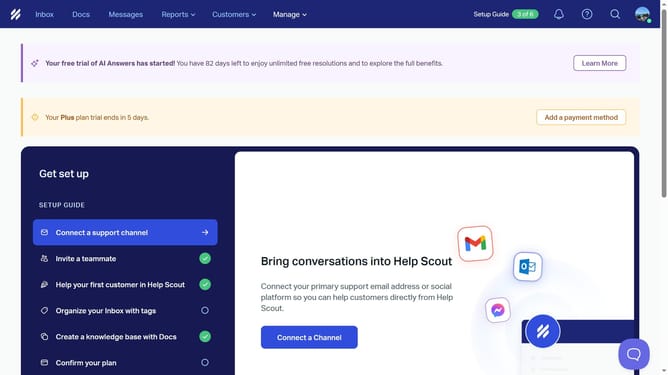
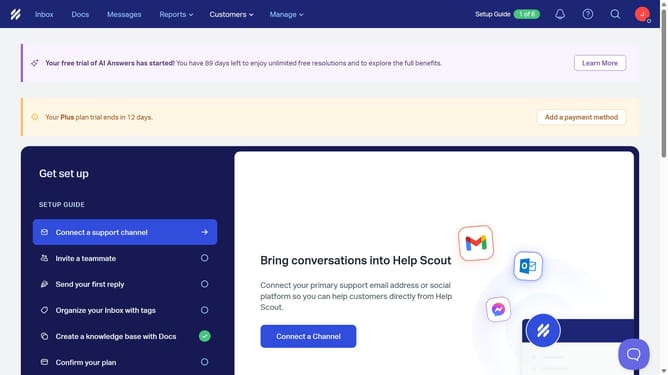
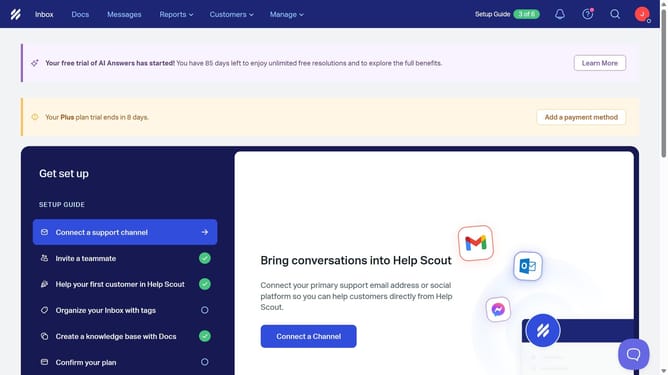
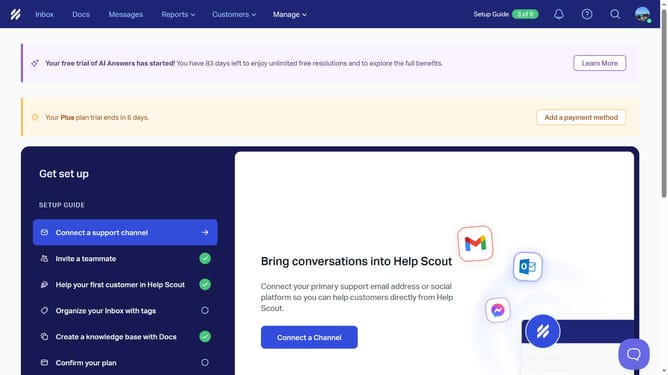
- First click on the "Docs" tab in the top menu
- Then click on the article name that you want to open
- Next, click on the "Keywords" tab
- After that, select the checkbox of your new category in the "Categories" section
- Finally, click on the "Move Article" button
Why should you move an article to another category in Help Scout
Help Scout empowers teams to deliver effortless customer support with ease and efficiency.
The ability to move an article to another category streamlines content management, ensuring customers find the information they need quickly.
This feature offers flexibility, enabling teams to adapt their knowledge base structure effortlessly as their services evolve.
By keeping articles organized, teams enhance user experience and maintain a well-structured repository of valuable information.
Last update