How to forward a message in HelpScout
Here is how to forward a message in helpscout
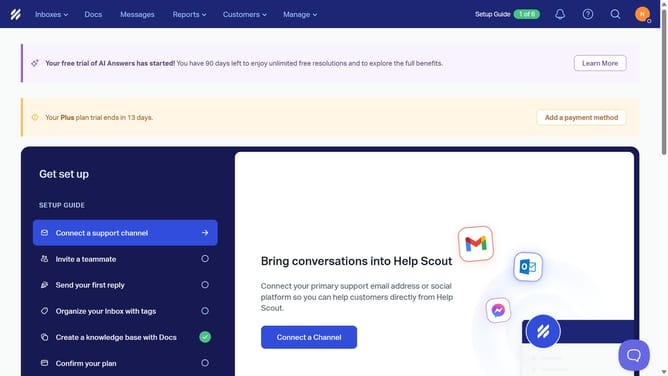
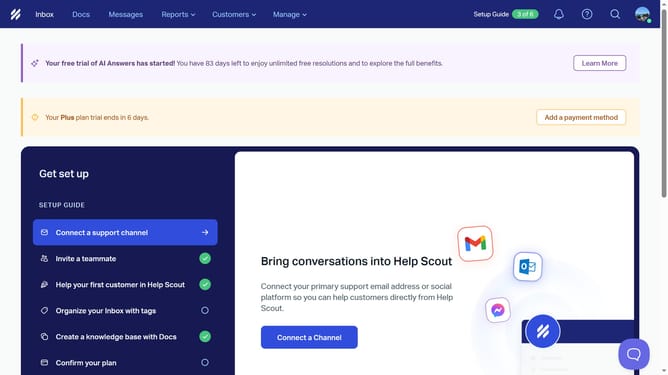
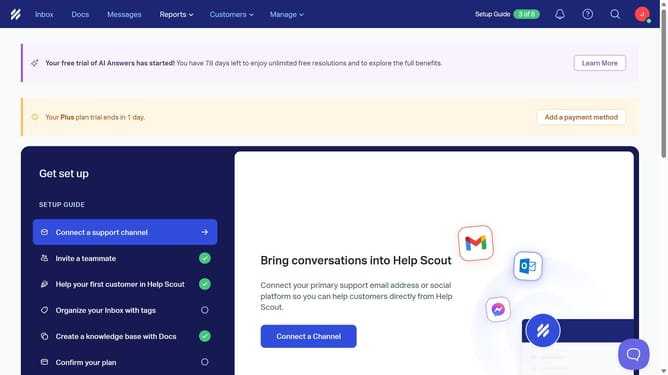
- First click on the "Inbox" tab in the main header
- Then click on the conversation that you want to forward
- Next, click on the "More Actions" button which consists of three dots, located in the top right corner of the conversation details
- After that, select the "Forward" option from the dropdown menu
- In the forwarding window, click on the "To" field and enter the email address where you want the message to be forwarded
- Finally, click on the "Forward" button to send the forwarded email
Why should you forward a message in HelpScout
Help Scout is a cutting-edge customer service platform designed to streamline communication with ease.
Effortlessly forwarding messages in Help Scout enhances workflow by enabling team collaboration and efficient feedback collection. This feature allows seamless sharing of customer interactions with relevant members without leaving the platform.
Leveraging this tool ensures no vital information gets lost, maintains responsiveness, and improves team coordination, ultimately fostering better customer support experiences.
Last update