How to assign a conversation to yourself in HelpScout
Here is how to assign a conversation to yourself in helpscout
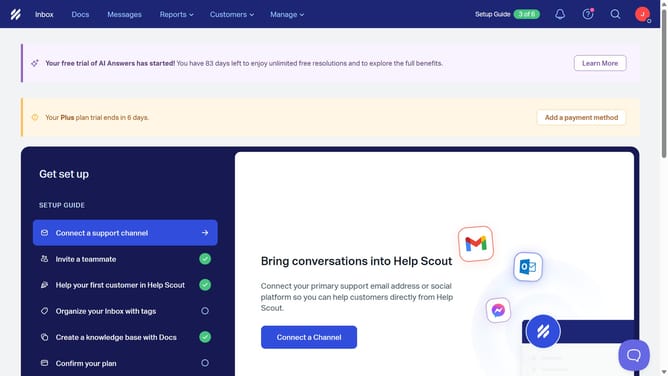
- First click on "Inbox" in the header menu
- Then click on "Unassigned" in the sidebar
- Next, click on a conversation in the list
- After that, click on the "Assign" icon in the conversation header
- Finally, select "Me" from the list of users
Why should you assign a conversation to yourself in HelpScout
Help Scout is a premier platform designed to optimize customer support and enhance team collaboration.
A standout feature is the ability to assign a conversation to yourself, providing clear ownership and accountability.
This feature streamlines your workflow by ensuring conversations are managed consistently, eliminating miscommunication and enhancing response times.
By taking ownership, you're empowered to provide a more personalized and efficient customer service experience, which ultimately boosts client satisfaction and trust.
Last update