How to duplicate an active message in HelpScout
Here is how to duplicate an active message in helpscout
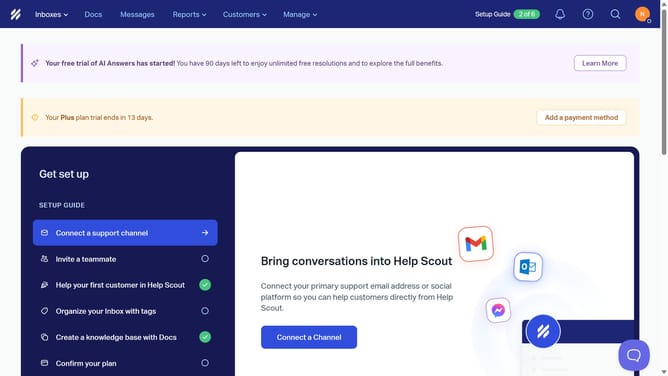
- First click on "Messages" tab in the top menu
- Then click on the three dots icon to open the menu of the message that you want to duplicate
- Finally select "Duplicate" option from the opened menu
Why should you duplicate an active message in HelpScout
Help Scout is a dynamic customer support platform that streamlines communication effortlessly.
Duplicating an active message in Help Scout is a feature that enhances efficiency in maintaining consistent communication with customers.
This functionality ensures that every response maintains the same tone and content style, providing a seamless and familiar interaction experience for all involved.
Utilizing this feature saves valuable time for support teams, enabling them to focus on more complex customer queries with enhanced precision and care.
Last update