How to customize satisfation ratings message body in HelpScout
Here is how to customize satisfation ratings message body in helpscout
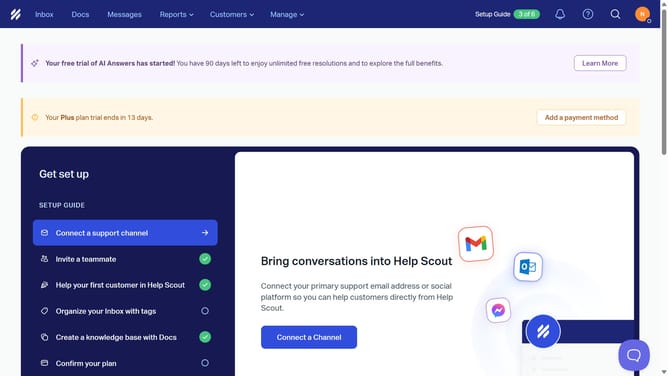
- First click on "Manage" dropdown menu in the top navigation bar
- Then select "Inbox" item from the dropdown menu
- Next click on the inbox name in the inbox table
- Then click on "Satisfaction Ratings" option in the left sidebar
- Next click in the "Ratings Text" input field and enter the custom rating text
- Finally click on "Save" button to save the changes
Why should you customize satisfation ratings message body in HelpScout
Help Scout is a powerful tool designed to streamline customer support and enhance team communication.
Customizing the satisfaction ratings message body in Help Scout allows businesses to align feedback requests with their brand voice. This feature empowers teams to personalize messages, making interactions more relatable and engaging for customers.
By tailoring these messages, businesses can encourage more insightful feedback, boost response rates, and strengthen customer relationships. It’s a simple adjustment that makes a significant impact on customer satisfaction and loyalty.
Last update