How to get notified when your team is mentioned in a conversation in HelpScout
Here is how to get notified when your team is mentioned in a conversation in helpscout
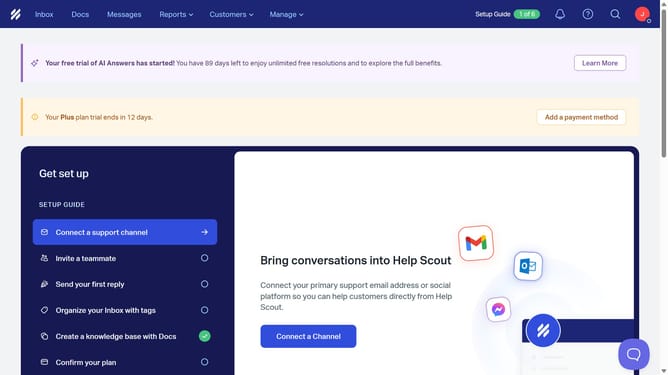
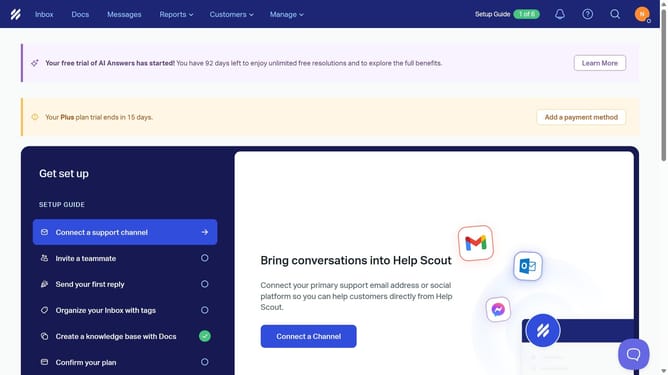
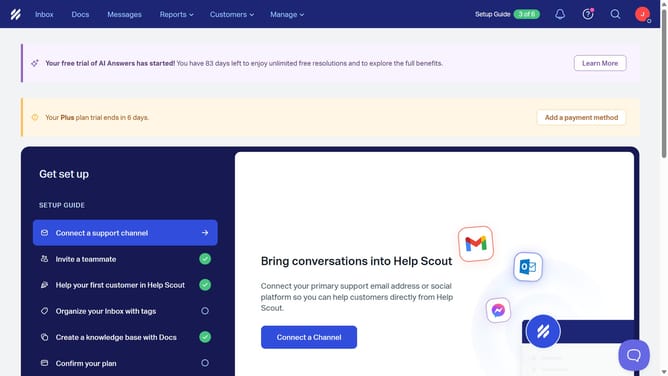
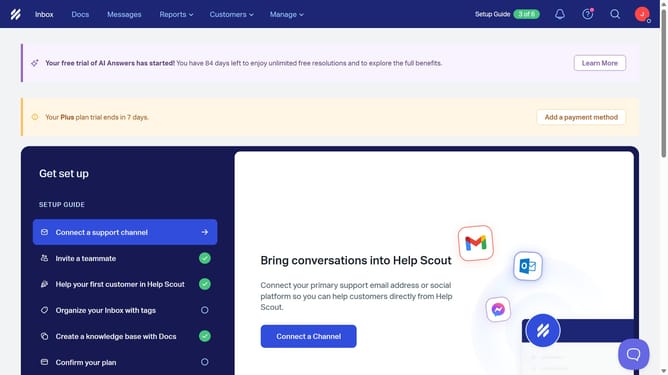
- First click on the user avatar image in the header
- Then click on "Your Profile" link in the dropdown menu
- Then click on "Notifications" link in the sidebar
- Then click on the first checkbox next to "My team is @mentioned in a conversation"
- Then click on the third checkbox
- Finally click on the "Save" button
Why should you get notified when your team is mentioned in a conversation in HelpScout
Help Scout is a customer service platform designed to enhance team communication and streamline support processes.
Staying informed when your team is mentioned in a conversation on Help Scout is vital for efficient collaboration. Knowing immediately when someone brings your team into the loop ensures timely responses and improved workflow.
By utilizing this notification feature, you ensure important updates never go unnoticed, leading to increased accountability and a more cohesive team environment.
Last update