How to update last name in HelpScout
Here is how to update last name in helpscout
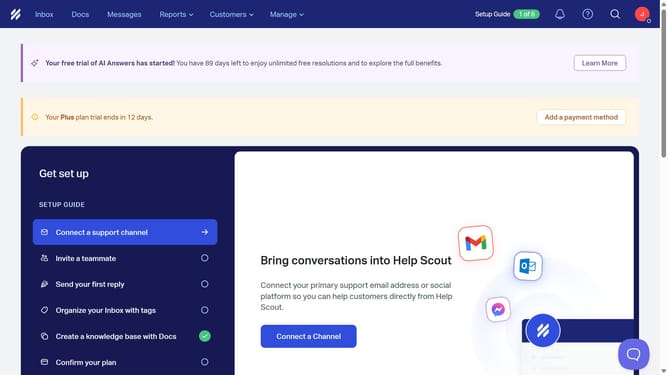
- First click on the user profile icon button in the top right corner of the header
- Then click on "Your Profile" option in the dropdown menu
- Then click on the "Last Name" text input field in the Profile section and update your last name
- Finally click on the "Save" button at the bottom of the page
Why should you update last name in HelpScout
Help Scout is an intuitive platform designed to enhance customer support efficiency and team collaboration.
Updating your last name in Help Scout is a straightforward feature that reinforces accurate personal identification. This ensures consistency and correctness in internal and external communications.
Utilizing this feature enhances the precision of user records, fostering a professional reputation and facilitating smooth interactions with clients and colleagues.
Last update