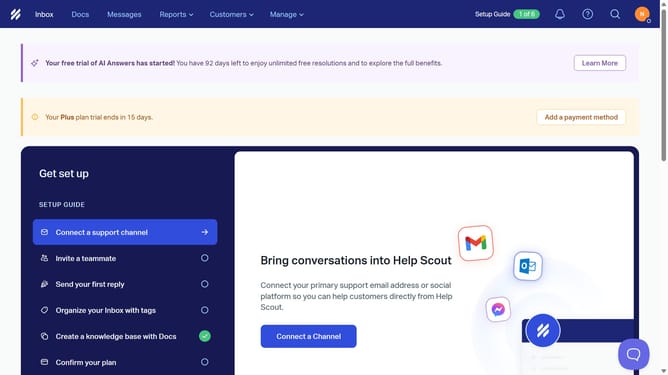
How to add a new user in HelpScout
Here is how to add a new user in helpscout
- First click on "Manage" dropdown button in the top navigation menu
- Then click on "Users" item in the dropdown menu
- Then click on the search field to enter a user email
- Then click on "Role" dropdown button to select a role
- Then hover over the role selection area
- Then click on "Add User" button in the top right corner
- Then click on "First name" input field in the create user form
- Then click on "Last name" input field in the create user form
- Then click on "Email Address" input field in the create user form
- Then click on "Select a role" dropdown in the create user form
- Then select a role from the role dropdown
- Then click on "Select a team" dropdown in the teams section
- Then select the team name's checkbox from the team options
- Finally click on "Create User" button to complete user creation
Why should you add a new user in HelpScout
Help Scout is a robust customer support platform designed to enhance team collaboration and streamline communication.
Adding a new user in Help Scout is a seamless process that fosters efficient teamwork. With just a few clicks, you empower your team by bringing in additional hands to manage customer interactions smoothly.
This feature ensures that your team is well-equipped to handle growing customer inquiries, improve response times, and maintain high service standards, thereby enhancing overall customer satisfaction.
Last update