How to add phone number in HelpScout
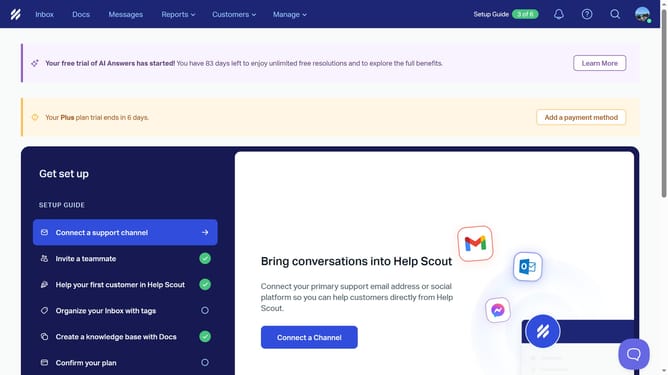
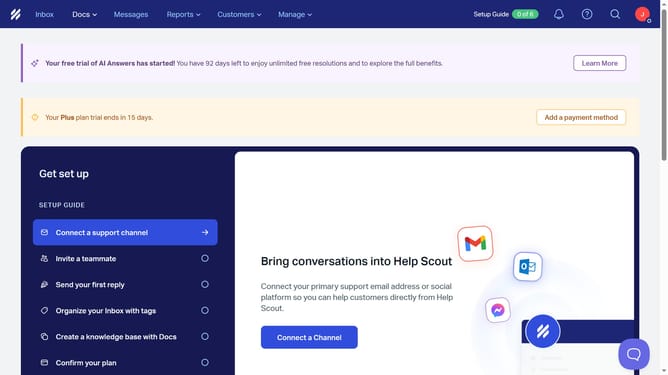
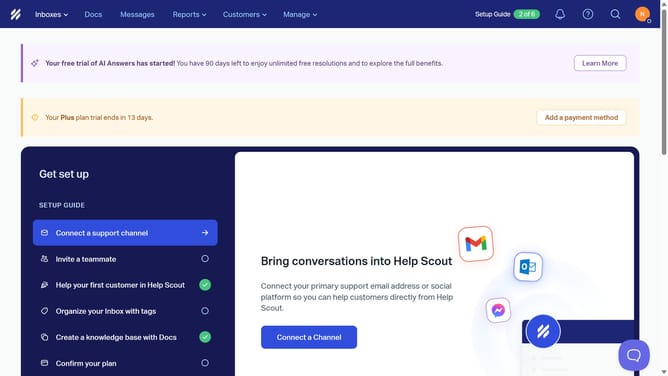
Here is how to add phone number in helpscout
- First click on the profile icon button in the top right corner of the header
- Then click on "Your Profile" option in the dropdown menu
- Next click on the "Phone Number" input field in the profile settings form
- Finally click on the "Save" button at the bottom of the page
Why should you add phone number in HelpScout
Help Scout is an intuitive platform designed to streamline communication and improve customer support.
Adding a phone number in Help Scout enhances the multi-channel communication capabilities, making it a breeze for businesses to connect with customers swiftly through their preferred methods.
This feature is invaluable as it enriches the customer service experience, allowing support teams to address complex queries faster by simply speaking to a customer, promoting efficiency and fostering stronger customer relationships.
Ultimately, integrating direct calling ensures customer interactions are both fluid and personal, elevating the overall effectiveness of support operations.
Last update