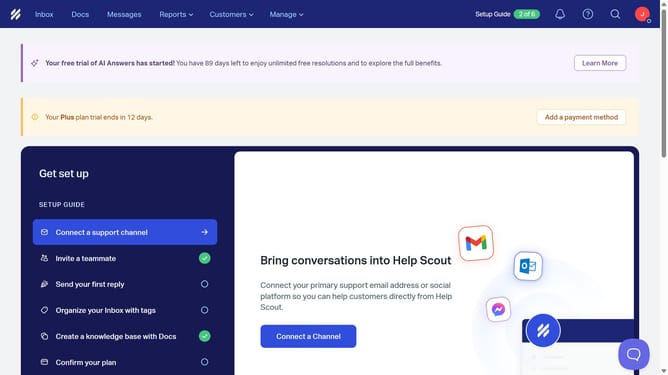
How to add an attachment in a new message in HelpScout
Here is how to add an attachment in a new message in helpscout
- First click on "Inbox" in the top menu
- Then click on the compose button with a pencil icon
- Finally, click on the paperclip icon representing attachments in the toolbar
Why should you add an attachment in a new message in HelpScout
Help Scout is a dynamic customer service platform designed to streamline communication and enhance user experience.
Adding an attachment in a new message within Help Scout is a straightforward feature that significantly boosts your ability to convey information effectively. This feature ensures all necessary documents or files are seamlessly included, fostering clarity in customer interactions.
Using attachments in Help Scout not only enhances communication but also strengthens customer trust, ensuring they receive the complete information needed to address their queries efficiently.
Last update