How to enable open tracking in HelpScout
Here is how to enable open tracking in helpscout
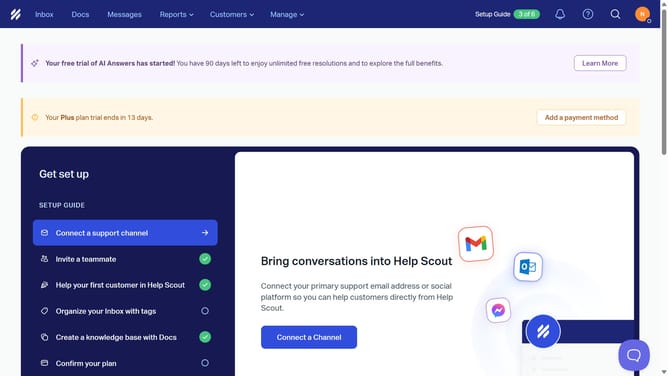
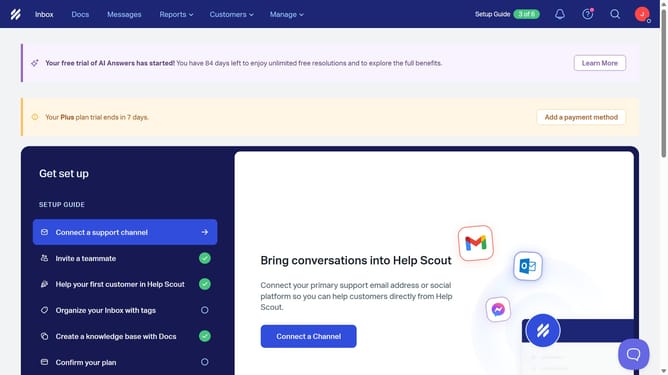
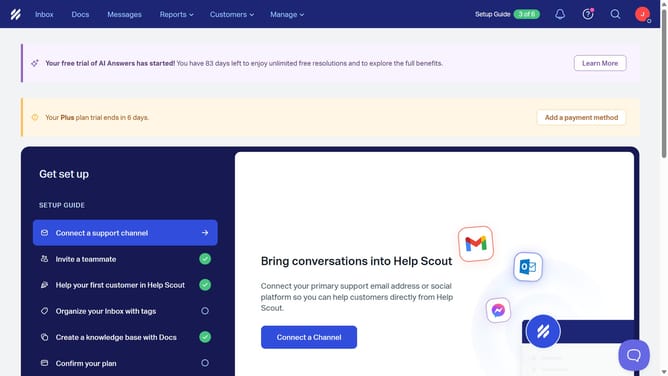
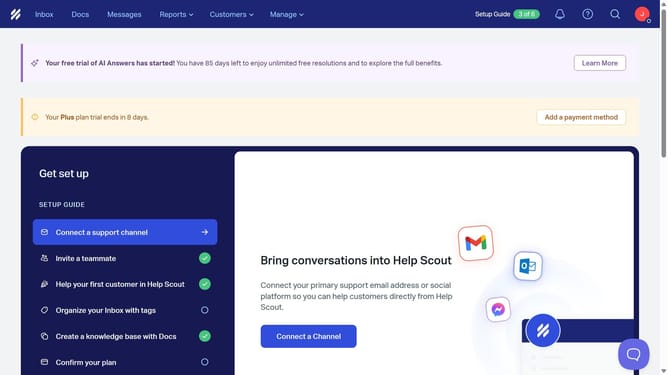
- First click on "Manage" button in the top menu
- Then select "Company" from the dropdown menu
- Finally click on the "Open Tracking" toggle to turn it on
Why should you enable open tracking in HelpScout
Help Scout is a user-friendly customer service platform designed to enhance communication with your clients.
The open tracking feature in Help Scout empowers you to know when your emails have been opened, giving you invaluable insight into customer engagement.
By enabling this feature, you can easily gauge the effectiveness of your communication strategies and make timely follow-ups.
This ensures a more responsive service experience, fostering stronger relationships and better understanding of your customer's needs.
Last update