How to get notified when somebody assigns a chat to you in HelpScout
Here is how to get notified when somebody assigns a chat to you in helpscout
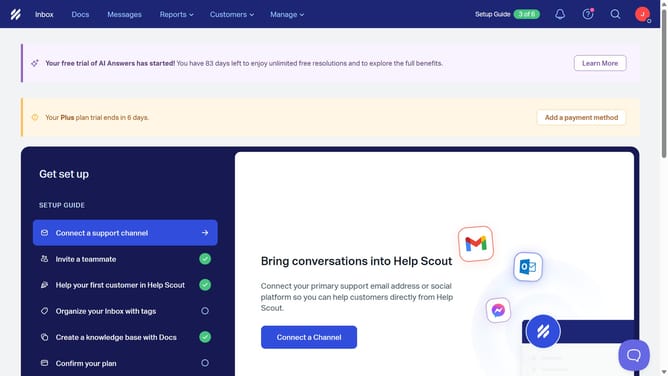
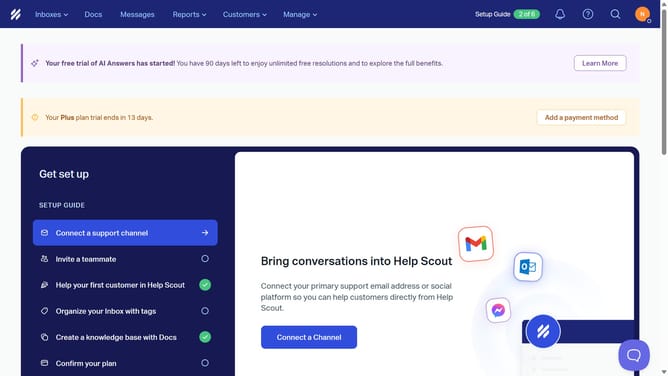
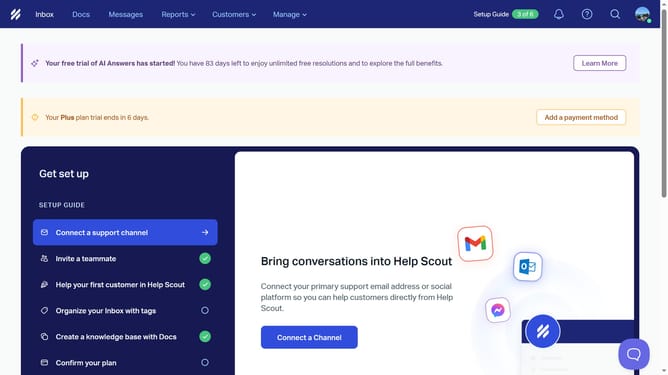
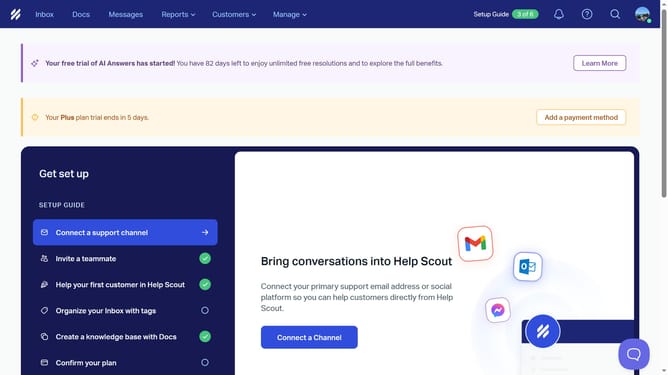
- First click on the user profile icon in the top right corner of the header
- Then click on "Your Profile" option in the dropdown menu
- Next, click on the "Notifications" tab in the left sidebar
- Then select the desired notification option by clicking on the checkbox
- Finally click on the "Save" button to apply the changes
Why should you get notified when somebody assigns a chat to you in HelpScout
Help Scout is a versatile customer service platform designed to enhance your team's communication and support capabilities effortlessly.
With the notification feature for chat assignments, you are always in the loop when a conversation is directed to you. This seamless notification process ensures that no chat request slips through the cracks, enabling prompt responses.
Staying informed about chat assignments boosts productivity, allowing for quicker resolution of customer queries, fostering a more efficient support environment.
Last update