How to duplicate a draft message in HelpScout
Here is how to duplicate a draft message in helpscout
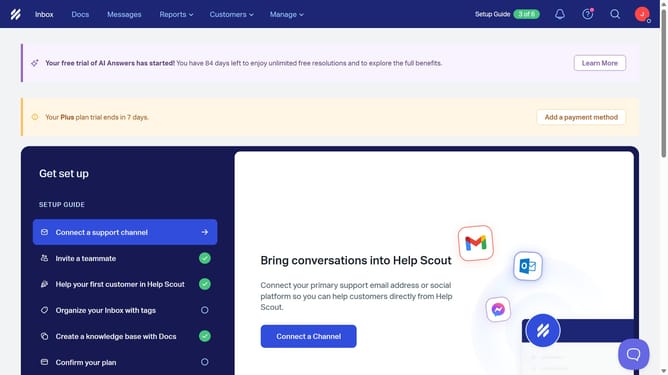
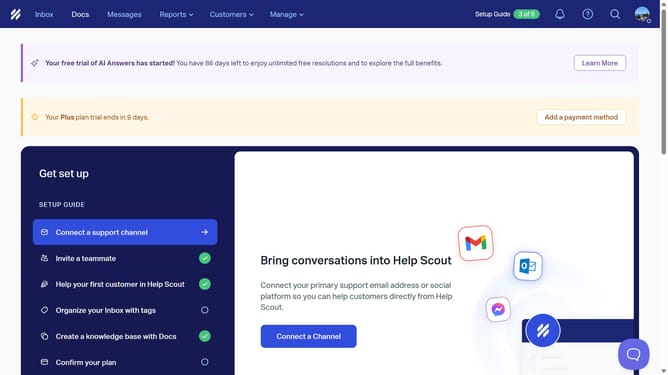
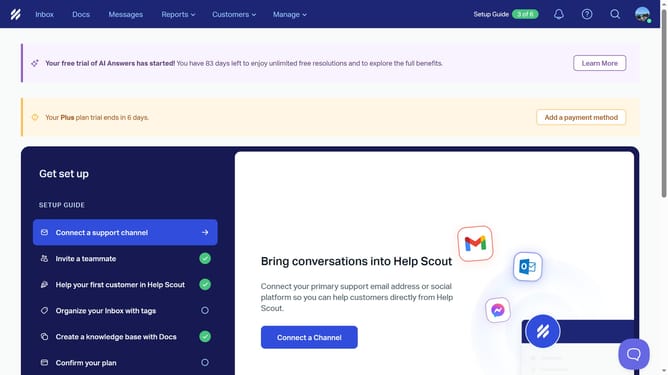
- First click on "Messages" in the top menu
- Then click on the three dots icon next to "Draft" status of the message that you want to duplicate
- Finally click on the "Duplicate" button
Why should you duplicate a draft message in HelpScout
Help Scout is a user-friendly platform designed to streamline customer support interactions and foster meaningful communication.
Duplicating a draft message in Help Scout is an essential feature that enhances efficiency and consistency in customer service.
This feature allows users to quickly replicate a draft message, which saves time and ensures a uniform response for similar queries.
Using this feature can significantly enhance productivity and improve the overall quality of customer interactions.
Last update