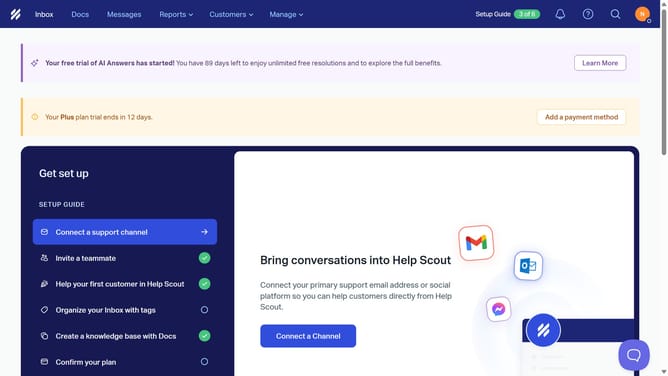
How to enable routing in HelpScout
Here is how to enable routing in helpscout
- First click on the "Inbox" tab in the header
- Then click on the settings/gear icon in the sidebar
- Next, select "Routing" from the dropdown menu in the sidebar
- After that, click on the "Enable Routing" button
- Then click on the radio button for the "Round Robin" assignment method
- Next, click on the "Add Teammate" button
- Then click on the checkbox next to the teammate name
- Click on the "Add Teammate(s)" button
- Finally, click on the "Save" button at the bottom of the page
Why should you enable routing in HelpScout
Help Scout is an intuitive customer service platform designed to manage customer interactions with efficiency and ease.
Enabling routing in Help Scout streamlines the process of directing inquiries to the most suitable team member, ensuring that each query is handled by someone with the right expertise.
This feature enhances productivity by minimizing response times and increasing the overall satisfaction of both customers and support teams.
By consistently delivering inquiries to the right hands, businesses can maintain seamless and personal customer engagement.
Last update