How to delete phone number in a company contact in HelpScout
Here is how to delete phone number in a company contact in helpscout
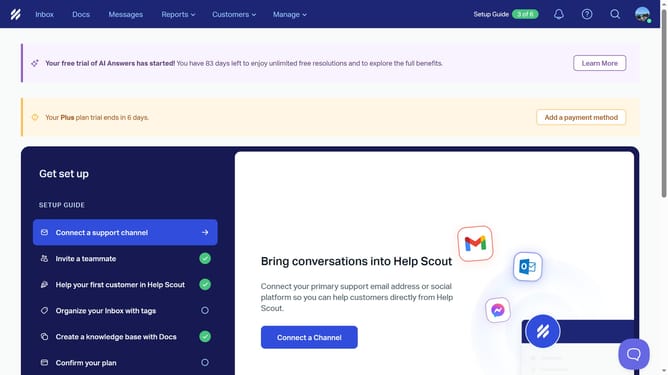
- First click on the "Customers" dropdown in the top menu
- Then select "Companies" from the dropdown list.
- Next click on the company name that you want to manage
- Finally click on the trash can icon to delete the phone number you want to delete
Why should you delete phone number in a company contact in HelpScout
Help Scout is a versatile tool designed to enhance customer support experiences by efficiently managing communications.
Deleting a phone number from a company contact in Help Scout allows for effective contact management by ensuring your information is current and accurate.
This feature is essential for maintaining the integrity of your database, eliminating outdated or incorrect data, which might otherwise lead to communication errors.
Overall, using this feature simplifies the process of updating contact details, promoting seamless interactions and improved customer service. Enjoy the peace of mind that comes with a well-organized and precise contact list.
Last update