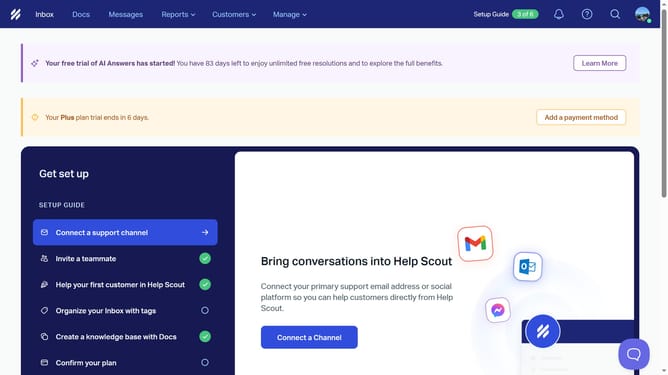
How to edit tag name in HelpScout
Here is how to edit tag name in helpscout
- First click on "Manage" button in the top men
- Then select "Tags" from the dropdown menu
- Next, click on the name of the tag you want to edit
- After that, click on the tag icon
- Then type the new tag name into the text field
- Finally, click on the checkbox to save the changes
Why should you edit tag name in HelpScout
Help Scout is a customer service platform designed to enhance communication with ease and efficiency.
Editing tag names in Help Scout is a simple yet powerful feature that helps in maintaining a well-organized workflow. By ensuring precision in tag labeling, your team can effortlessly categorize and retrieve critical information.
This functionality optimizes team collaboration and enhances productivity. As a result, effortlessly updating tag names ensures clarity and boosts the overall customer service experience, making operations smoother and more efficient.
Last update