How to delete a draft message in HelpScout
Here is how to delete a draft message in helpscout
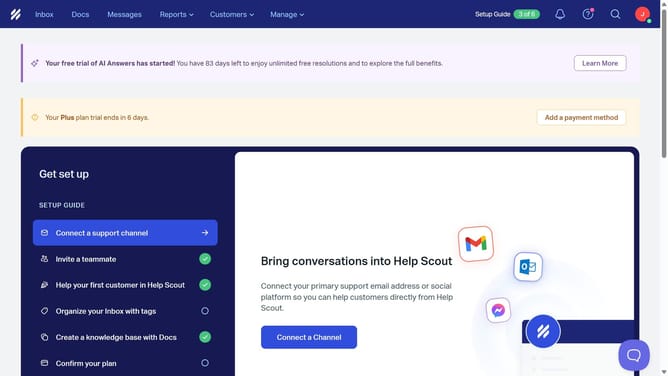
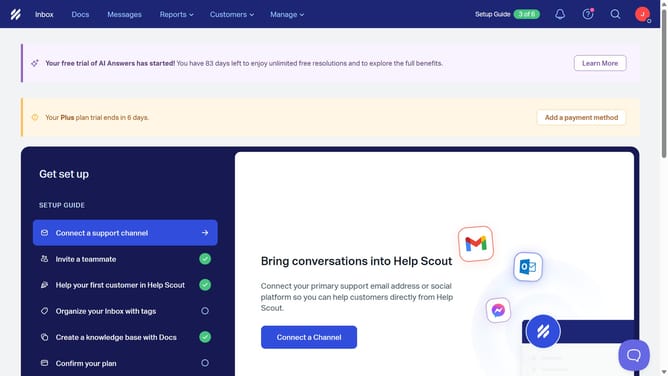
- First click on the "Inbox" tab in the top menu
- Then click on "Drafts" in the sidebar
- Next, click on the trash icon next to the draft you want to delete
- Finally, click on the "Delete" button in the confirmation dialog
Why should you delete a draft message in HelpScout
Help Scout is an intuitive platform designed to enhance customer support experiences by simplifying communication.
One handy feature within Help Scout is the ability to delete draft messages effortlessly. This feature streamlines your workflow, ensuring that your communication remains organized and clutter-free.
Eliminating unnecessary drafts helps maintain a clean interface and minimizes confusion, allowing you to focus on crafting clear and concise customer interactions without distraction.
With this functionality, users can easily prioritize essential tasks, boosting efficiency and productivity in their customer support efforts.
Last update