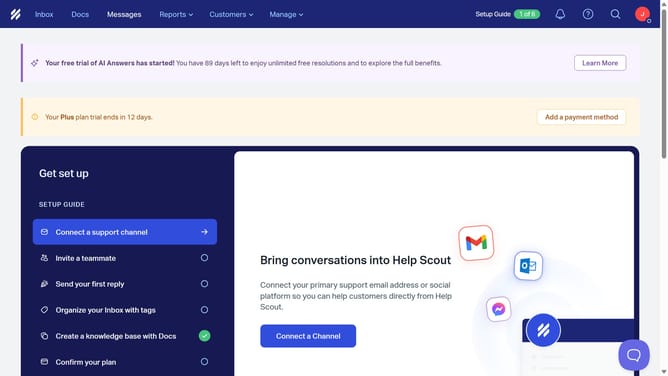
How to disable auto reply in HelpScout
Here is how to disable auto reply in helpscout
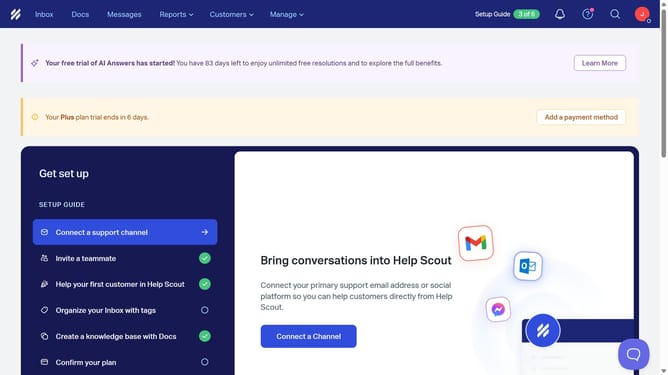
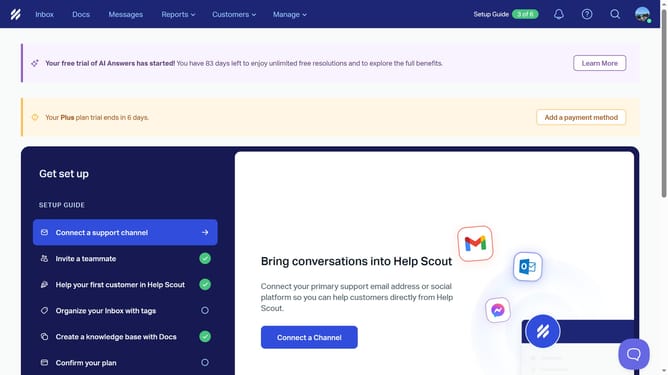
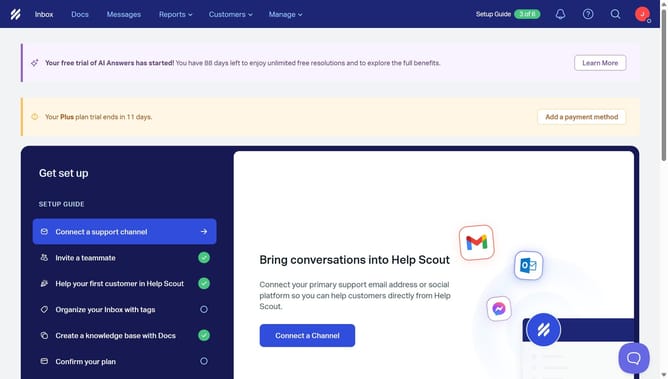
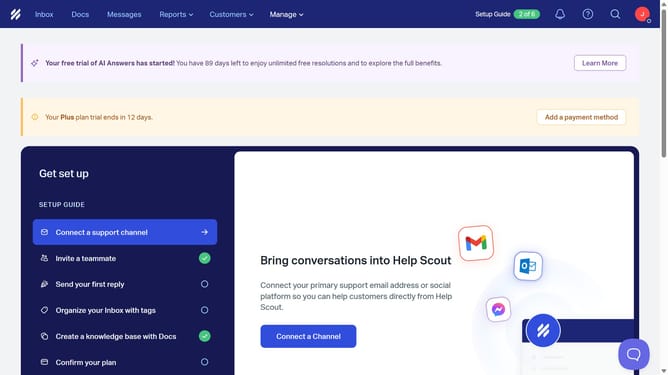
- First click on "Manage" dropdown menu in the top navigation bar
- Then select "Inbox" option from the dropdown menu
- Next click on "Pacific Horizon Solutions Inc. main inbo" inbox entry in the list
- Then click on "Auto Reply" option in the left sidebar
- Next click on the "Enabled" toggle switch off to disable auto reply
- Finally click on "Save" button to save the auto reply settings
Why should you disable auto reply in HelpScout
Help Scout is a dynamic customer service platform designed for simple and efficient communication.
Disabling auto reply in Help Scout offers the flexibility to tailor your customer interactions to be more personal and responsive to unique situations. By turning off this feature, users can ensure that their responses are more intentional and catered to customer-specific queries, rather than automated messages.
This customization can enhance the customer experience, leading to increased satisfaction and trust, as clients feel valued and heard without the intervention of pre-set auto responses.
Ultimately, this adjustment supports a more human connection in customer service exchanges, opening the door to more interactive and trust-building dialogues.