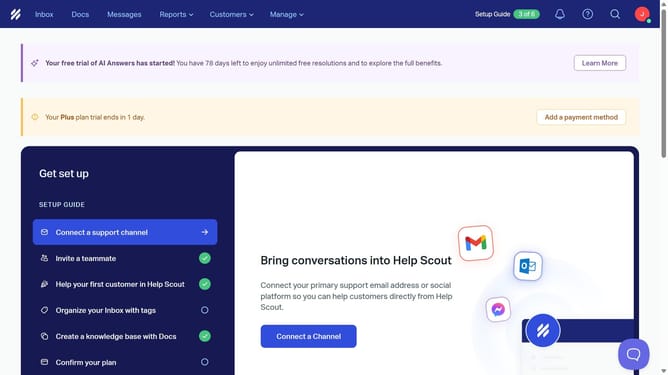
How to create first message in HelpScout
Here is how to create first message in helpscout
- First click on "Messages" in the top navigation menu
- Then click on the "Name" field in the message creation form
- Next select the "Standard" display type option
- Then click on the "Create" button at the bottom of the form
- Now click on the "Heading" text field in the Create tab and enter heading
- Then click on the "Subtitle" text field below the heading and enter your preferred subtitle
- Next click on the "Body" text field to enter message content
- Finally click on the "Save" button in the top right corner
Why should you create first message in HelpScout
Help Scout is a cloud-based customer service platform designed to make support interactions seamless and efficient.
Creating your first message in Help Scout is an essential step in personalizing customer interactions and streamlining support processes.
This feature allows you to craft a message that sets the tone for your customer service, ensuring clarity and engagement from the start.
By utilizing this feature, you enhance the customer's experience while maintaining consistency in communication, ultimately boosting customer satisfaction and loyalty.
Last update