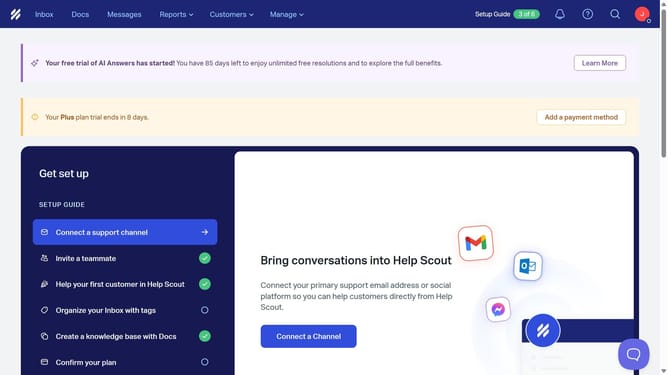
How to turn on office hours in HelpScout
Here is how to turn on office hours in helpscout
- First click on "Manage" dropdown in the header menu
- Then select "Company" from the dropdown menu
- Next, click on "Office Hours" in the left sidebar
- Then toggle the "Status" switch to enable office hours
- Finally click on the "Save" button
- Then click on the icon with slanted lines in the top-left corner of the header
Why should you turn on office hours in HelpScout
Help Scout is a powerful customer service tool designed to streamline communication and enhance customer support experiences.
Turning on office hours in Help Scout allows teams to effectively manage customer expectations and maintain work-life balance.
This feature ensures customer inquiries receive timely responses, reflecting availability only during specified office hours, which promotes transparency and reliability.
By using this feature, teams can improve efficiency by focusing on work during dedicated periods, ultimately enhancing customer satisfaction and team productivity.
Last update