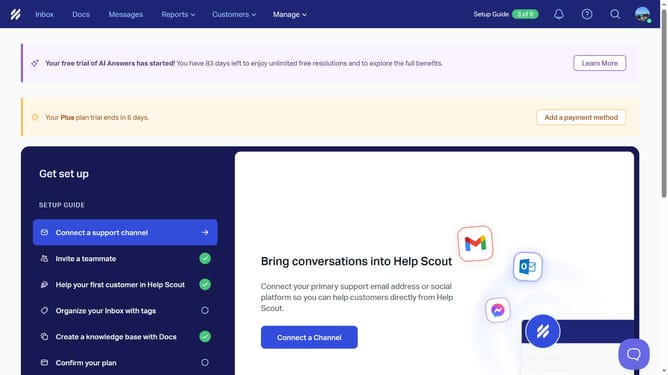
How to open attachments in Help Scout
Here is how to open attachments in help scout
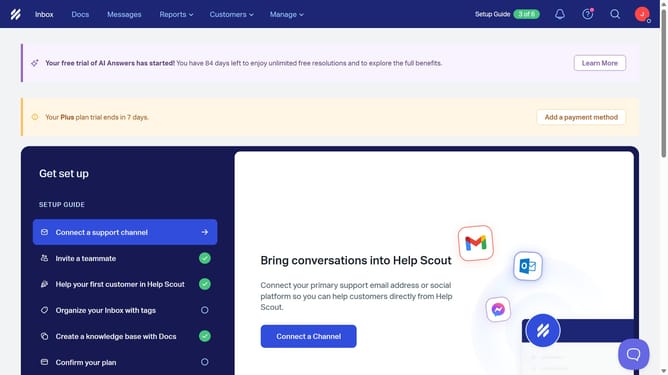
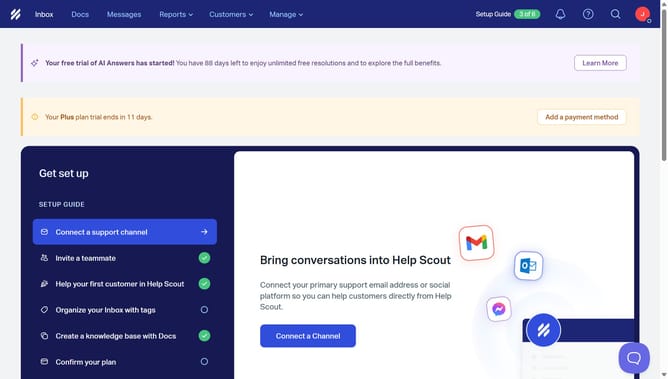
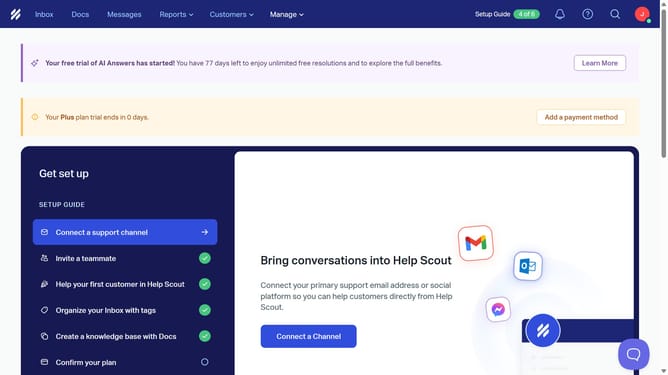
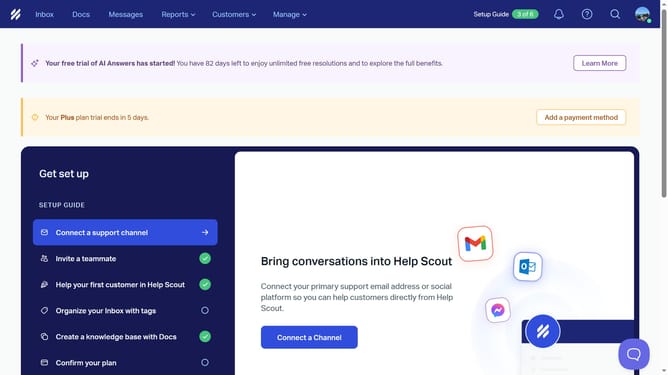
- First click on "Inbox" tab in the header
- Then click on "Unassigned" in the sidebar
- Finally click on the attachment you want to open
Why should you open attachments in Help Scout
Help Scout is a versatile customer support platform designed to make email communication seamless and efficient.
Opening attachments in Help Scout is a straightforward process that enhances productivity and collaboration.
By accessing attachments directly within conversations, users can streamline their workflow, ensuring important documents are promptly reviewed and acted upon.
This feature not only saves time but also improves customer service by keeping all necessary information at your fingertips.
Last update