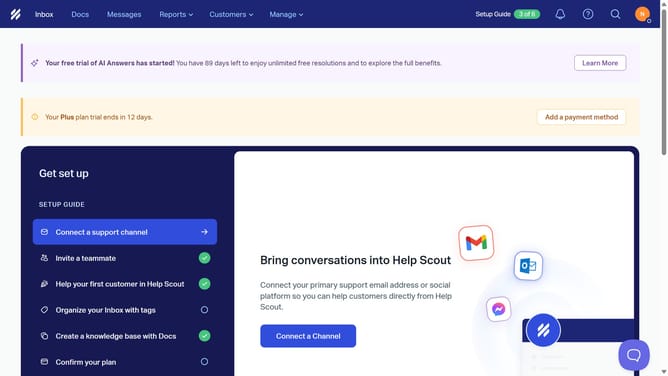
How to set your chat availability as available in HelpScout
Here is how to set your chat availability as available in helpscout
- First click on the user icon in the top right corner of the header
- Then click on "Chat Availability" in the dropdown menu
- Finally select "Available" option
Why should you set your chat availability as available in HelpScout
Help Scout is a customer support platform that streamlines communication to enhance customer satisfaction.
Setting your chat availability as "available" in Help Scout ensures customers can reach out to you for immediate assistance, high levels of engagement, and real-time interactions. This feature showcases your readiness to provide help, enhancing the overall customer experience.
When chat availability is optimized, it helps to reduce response times and increase customer loyalty, fostering trust and building stronger relationships. Leveraging this availability feature improves team efficiency and coordination by managing incoming chat requests seamlessly.
Last update