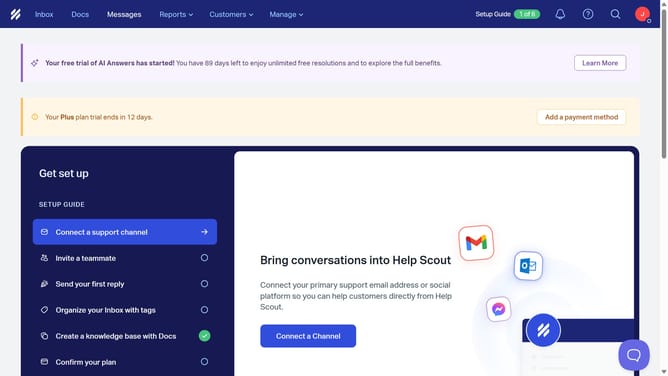
How to add a company property in HelpScout
Here is how to add a company property in helpscout
- First click on "Manage" button in the header
- Then select "Properties" item from the dropdown menu in the header
- Next click on "Company Properties" in the left sidebar
- Click on "New Property" button
- Then type the company name into the "Name" input field
- Next select an option from the radio button
- Finally click on "Create" button
Why should you add a company property in HelpScout
Help Scout is a dynamic customer service platform designed to enhance team collaboration and improve client interactions.
Adding a company property in Help Scout allows for organized tracking of client data, streamlining communication with efficiency. This feature enables you to associate specific details directly with a company profile, making information retrieval quick and convenient.
By utilizing company properties, your team can deliver a more personalized and informed customer experience, boosting client satisfaction and strengthening relationships over time.
Last update