How to get notified when a new chat comes and you are available in HelpScout
Here is how to get notified when a new chat comes and you are available in helpscout
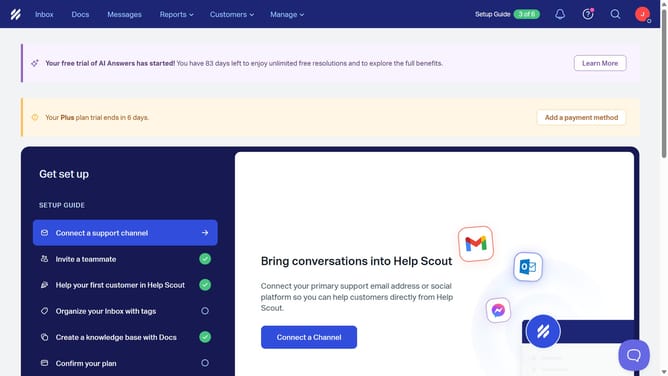
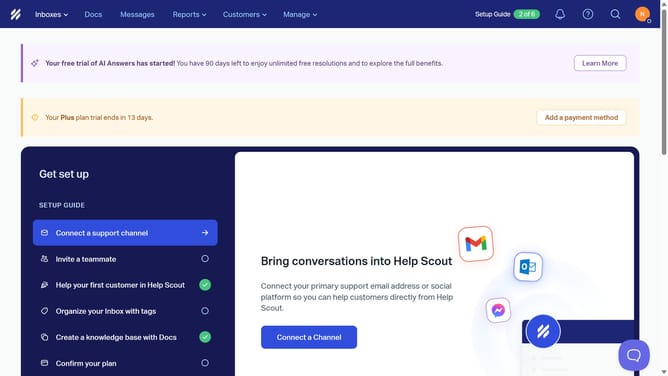
- First click on the user profile icon in the header to open the user menu
- Then click on "Your Profile" button in the user menu
- Next click on "Notifications" in the sidebar menu
- Then click on the checkbox to enable notifications
- Finally click on the "Save" button to apply the changes
Why should you get notified when a new chat comes and you are available in HelpScout
Help Scout is an intuitive platform designed to simplify customer support by efficiently managing inquiries and interactions.
With the feature that allows you to get notified when a new chat arrives, seamless communication becomes effortless. By alerting you immediately as a chat originates, this feature ensures you are always on top of customer interactions.
Being informed in real-time enhances responsiveness, enabling you to provide timely assistance and foster satisfying customer experiences. Prioritize connections and streamline support efforts with this invaluable feature in Help Scout.
Last update