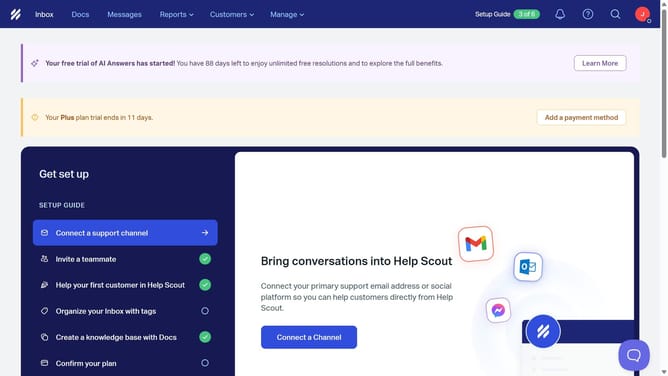
How to disable auto BCC email address in HelpScout
Here is how to disable auto bcc email address in helpscout
- First click on the profile icon button in the top-right corner of the header
- Then select "Your Profile" option from the dropdown menu
- Next click on "Auto Bcc" item in the left sidebar navigation
- Then click on the "Enable" toggle switch to turn off the Auto Bcc feature
- Finally click on the "Save" button to confirm the changes
Why should you disable auto BCC email address in HelpScout
Help Scout is a robust customer communication platform that helps teams deliver exceptional support.
The ability to disable auto BCC email addresses in Help Scout enhances your control over email management. This feature is particularly valuable for teams looking to streamline their email workflows without unnecessary duplications.
By disabling auto BCC, you reduce clutter in your inbox and further protect sensitive customer data by ensuring that only relevant parties receive necessary communication. This adjustment not only aids in maintaining privacy but also improves overall communication efficiency.
Last update