How to get notified when you are mentioned in a conversation in HelpScout
Here is how to get notified when you are mentioned in a conversation in helpscout
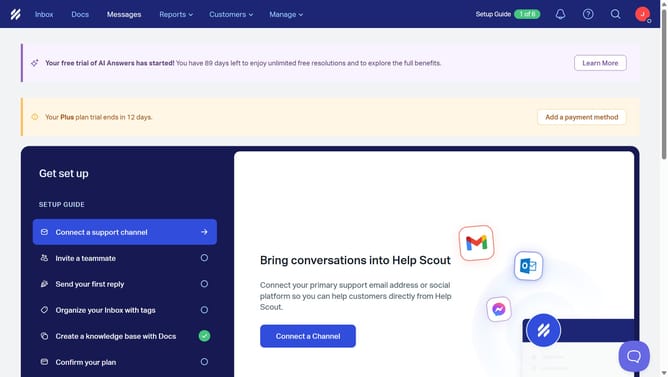
- First click on the profile picture in the top right corner of the header
- Then click on "Your Profile" in the dropdown menu
- Next click on "Notifications" in the sidebar menu
- Then click on the first checkbox in the "I'm @mentioned in a conversation" row
- Then click on the third checkbox in the "I'm @mentioned in a conversation" row
- Finally, click on the "Save" button
Why should you get notified when you are mentioned in a conversation in HelpScout
Help Scout is a dynamic customer service platform designed to enhance team collaboration and streamline communication.
One of its standout features allows users to receive instant notifications whenever they are mentioned in a conversation. This feature ensures that critical messages never go unnoticed, keeping the team efficiently in sync.
By being immediately alerted, team members can respond promptly, enhancing customer satisfaction and reducing response times. This seamless integration fosters a proactive approach to customer service, ultimately boosting productivity and enhancing team workflow.
Last update