How to create a message for NPS in HelpScout
Here is how to create a message for nps in helpscout
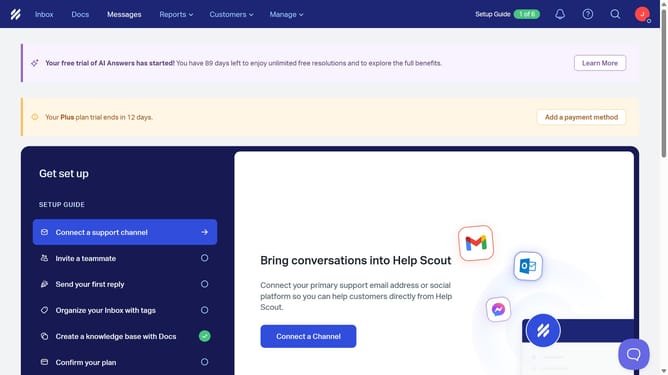
- First click on "Messages" in the top navigation menu
- Then click on "Create Message" button
- Then click on the name input field and enter your message title
- Then select the "NPS®" display type option
- Then click on "Create" button
- Then click on the "Question" field and enter your preferred question
- Then click on the "Detractor label" field and enter your text
- Then click on the "Promoter label" field and enter your text
- Then scroll down and click on the "Ask for comment upon selection" checkbox
- Then click on the "Comment heading" field and enter your comment heading message
- Then click on the "Button text" field and customize your message
- Then click on the "Confirmation text" field and enter your message once everything is filled out
- Finally click on the "Save" button in the top right corner
Why should you create a message for NPS in HelpScout
Help Scout is a customer service platform designed to make your interactions efficient and personal.
Creating a message for Net Promoter Score (NPS) in Help Scout is an insightful feature to measure customer loyalty and satisfaction effortlessly.
Using this feature helps you gather vital feedback from your clients, leading to actionable insights that can drive your business forward.
It enhances customer experience by showing a genuine interest in their opinions, resulting in a more engaged and loyal customer base.
Last update