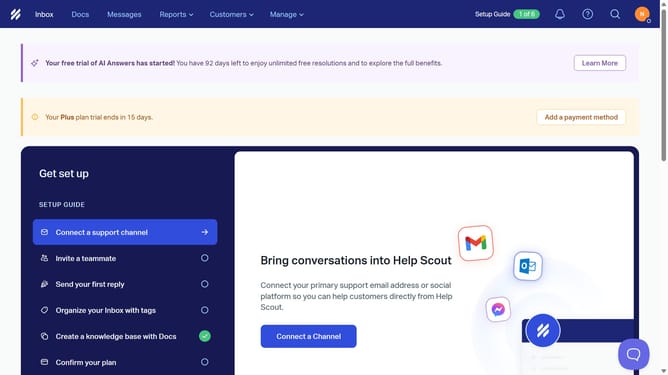
How to delete a company contact in HelpScout
Here is how to delete a company contact in helpscout
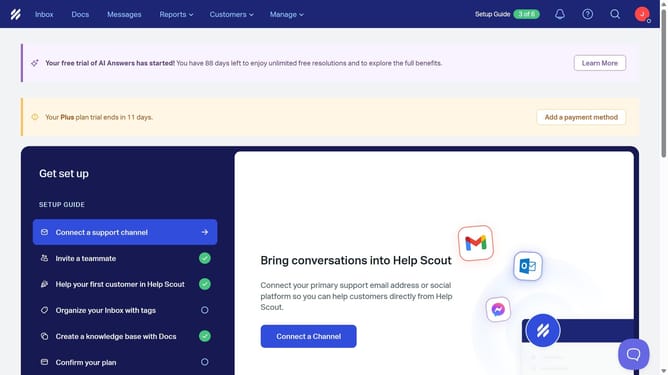
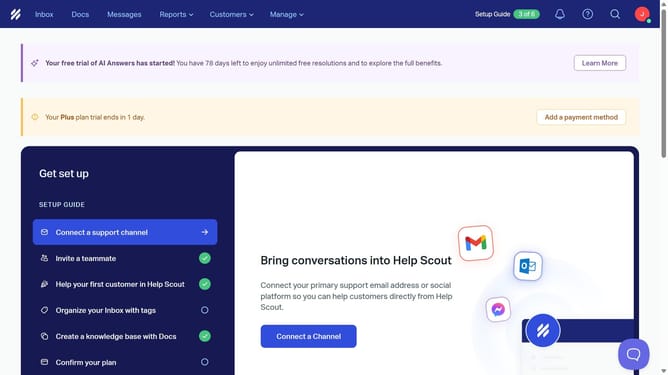
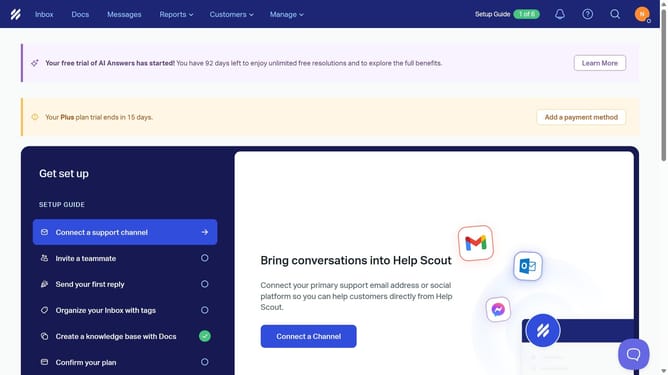
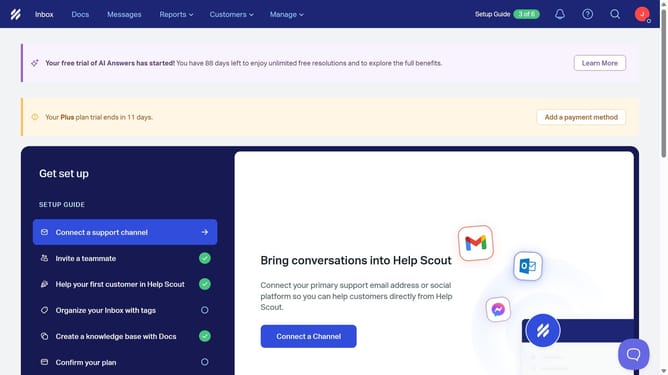
- First click on the "Customers" dropdown in the top menu
- Then select "Companies" from the dropdown menu
- Then click on the delete icon next to the company you want to delete
- Finally click on the "Delete" button to confirm the deletion
Why should you delete a company contact in HelpScout
Help Scout's intuitive platform streamlines customer support, ensuring seamless interactions.
The ability to delete a company contact in Help Scout plays a vital role in maintaining clean and organized contact lists. By removing redundant or obsolete contacts, businesses can ensure their databases remain relevant and functional.
This feature aids in preventing clutter and confusion, thus enhancing overall productivity and efficiency. It also helps companies maintain an up-to-date and accurate record of their customer interactions.
Last update