How to set text alignment in a reply in HelpScout
Here is how to set text alignment in a reply in helpscout
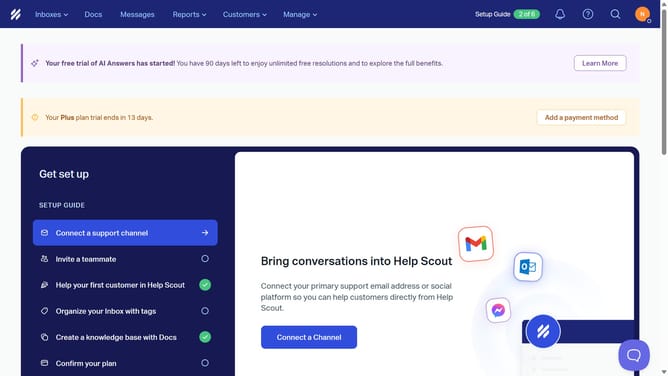
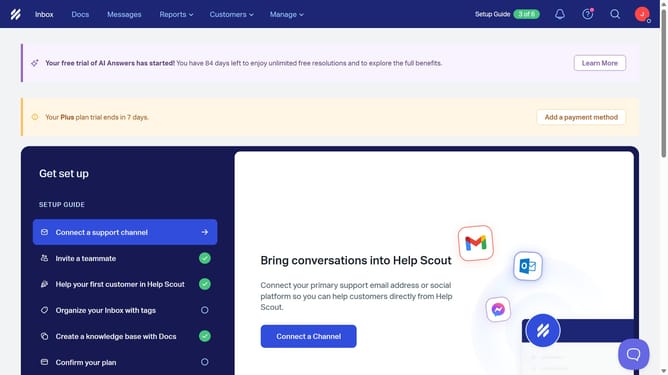
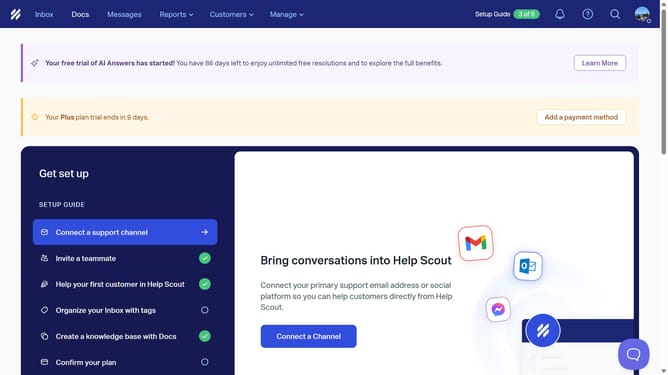
- First click on "Inbox" in the top navigation bar
- Then click on a message in the left sidebar
- Next click on the "Reply" button in the conversation view
- Then click on the "Alignment" button in the formatting toolbar
- Next click on an option in the alignment dropdown menu
- Finally click in the message text area to begin typing
Why should you set text alignment in a reply in HelpScout
Help Scout is a dynamic platform designed to streamline customer support and enhance interaction efficiency.
With the flexibility to set text alignment in your replies, Help Scout users can maintain clarity and professionalism in communication, adapting to various branding and formatting preferences.
Aligning text appropriately fosters better readability, ensuring that critical information is swiftly understood and responses appear polished.
This feature supports a consistent brand voice, enhancing the overall customer experience with well-structured correspondence.
Last update