How to get notified when a contact replies to a conversation owned to someone else in Help Scout
Here is how to get notified when a contact replies to a conversation owned to someone else in help scout
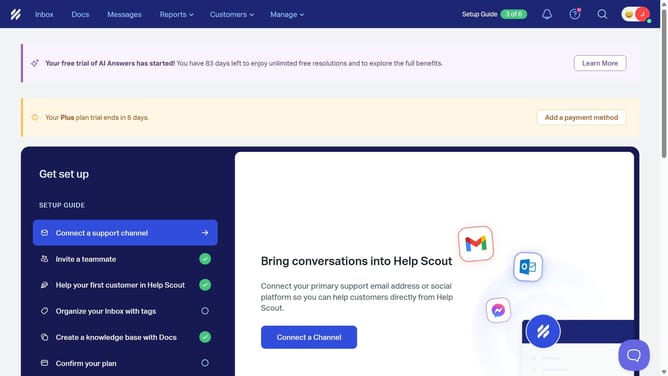
- First click on the profile picture in the top right corner of the header
- Then click on "Your Profile" in the dropdown menu of the sidebar
- Next click on "Notifications" in the left sidebar
- Then click on the first checkbox in the "Activity Notifications" section
- Next click on the second checkbox in the "Activity Notifications" section
- Finally click on the "Save" button at the bottom of the page
Why should you get notified when a contact replies to a conversation owned to someone else in Help Scout
Help Scout is an intuitive tool designed to streamline customer interactions for businesses of all sizes.
One of its standout features is the ability to notify users when a contact replies to a conversation owned by someone else. This ensures you stay informed and never miss crucial updates, fostering seamless collaboration.
By leveraging this feature, teams can maintain high levels of customer satisfaction, as prompt responses demonstrate reliability and care.
Ultimately, it enhances both team efficiency and customer relations, making it a vital feature for effective communication.
Last update