How to edit role and permissions of a user in HelpScout
Here is how to edit role and permissions of a user in helpscout
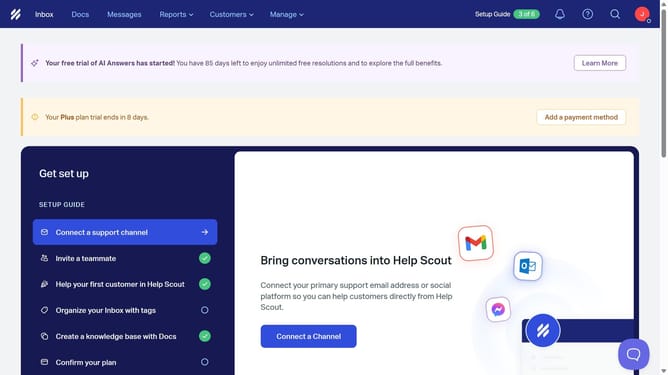
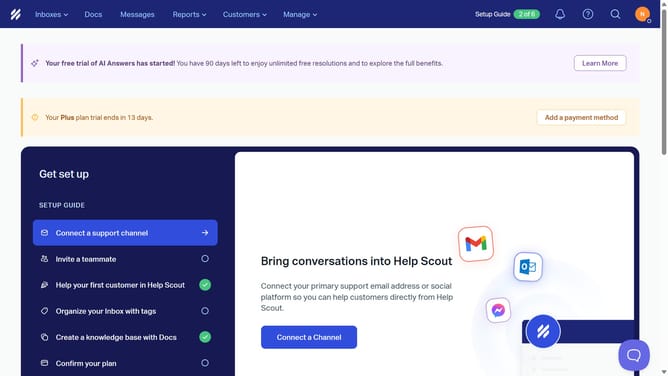
- First click on the "Manage" dropdown menu in the top navigation bar
- Then select "Users" from the dropdown menu
- Next click on the three-dot menu button for the user you want to manage
- Then click on "Edit Role & Permissions" option from the dropdown menu
- Next click on the "Administrator" role dropdown to expand role options
- Then select the new role from the dropdown menu
- Finally click on the "Save" button to apply the changes
Why should you edit role and permissions of a user in HelpScout
Help Scout is an intuitive tool designed to enhance customer support experiences.
One of its essential features is the ability to edit user roles and permissions, allowing businesses to maintain a well-organized team environment. This flexibility ensures that each team member has access to only the tools and information they need, promoting efficiency and security.
By customizing roles, companies can streamline workflows, manage resources wisely, and adapt to changing needs effortlessly, all while fostering a collaborative and secure atmosphere.
Last update