How to add a saved reply in HelpScout
Here is how to add a saved reply in helpscout
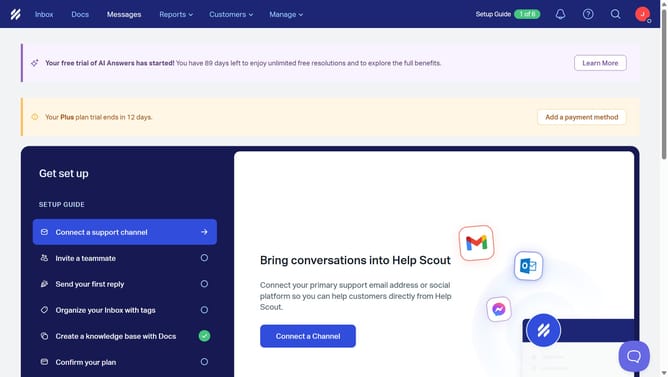
- First click on "Inbox" link in the top navigation menu
- Then click on an item in the conversation list
- Next click on "Reply" button at the bottom of the conversation
- Then click on the saved reply icon in the message editor toolbar
- Finally click on a saved reply from the dropdown list
Why should you add a saved reply in HelpScout
Help Scout is an intuitive platform designed to streamline customer support and enhance communication efficiency.
One of its standout features is the ability to add saved replies. Saved replies allow users to store frequently used responses, making it easier to provide quick and consistent answers to common inquiries.
Using this feature not only speeds up response times but also ensures that all customer interactions maintain a high level of professionalism and accuracy.
In doing so, teams can improve their productivity and deliver a seamless customer service experience.
Last update