How to publish an article in docs in HelpScout
Here is how to publish an article in docs in helpscout
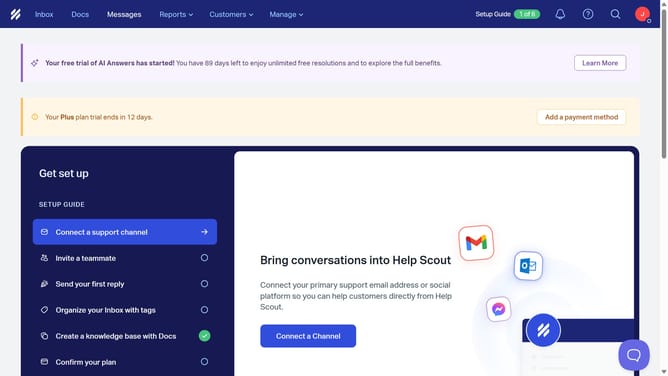
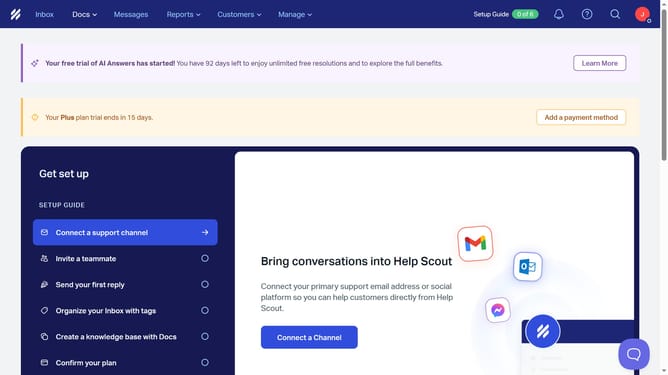
- First click on "Docs" item in the header menu
- Then click on the "+" button in the sidebar to add a new item
- Next select "Create Article" from the dropdown menu
- Then click on the "Title" input field in the "New Article" modal and enter your title
- After that click on the "Create Article" button
- Then type your article
- Finally click on the "Publish" button in the header
Why should you publish an article in docs in HelpScout
Help Scout is a powerful platform designed to streamline customer support and communication.
Publishing an article in the Docs section of Help Scout enhances your ability to deliver comprehensive, self-service support to your customers.
This feature allows you to efficiently organize and present information, empowering users to find answers quickly and reducing the need for direct support inquiries.
By facilitating easy access to knowledge, it boosts customer satisfaction and frees up your team to focus on more complex tasks.
Last update