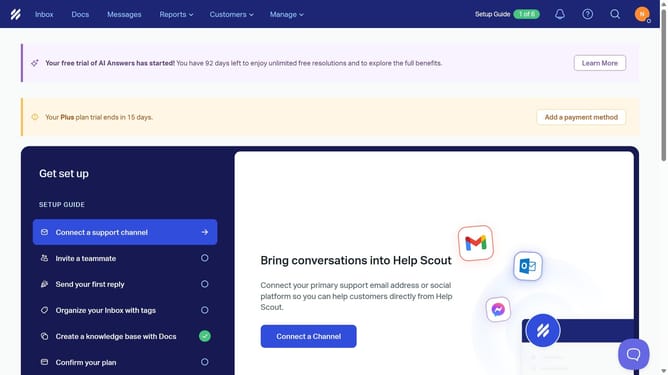
How to view notifications in HelpScout
Here is how to view notifications in helpscout
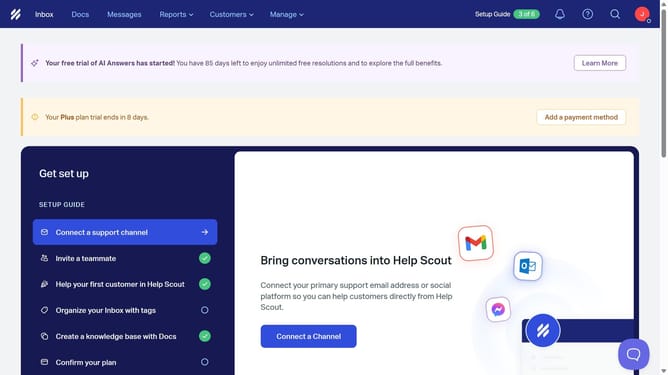
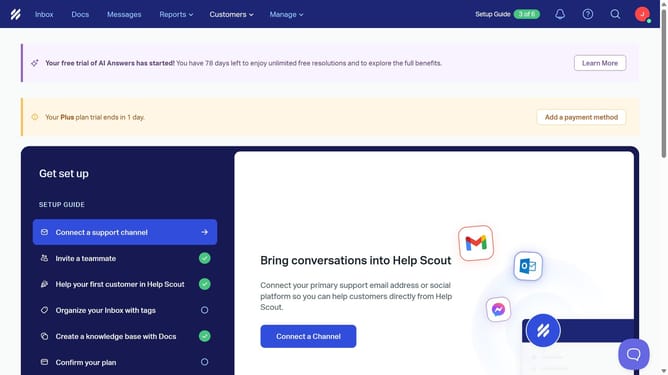
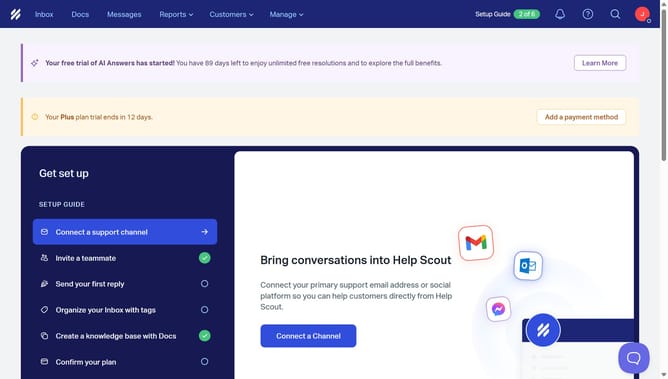
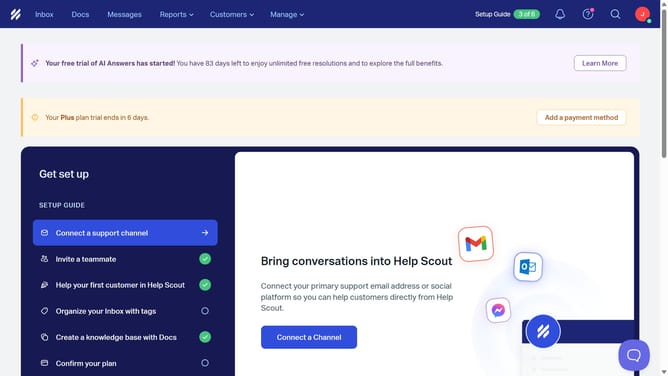
- First click on the "Notification bell" icon in the header
- Then click on an item in the Notifications panel
- Finally click on the "Open" button to view the whole notification
Why should you view notifications in HelpScout
Help Scout is a customer support platform designed to make managing customer inquiries seamless and efficient.
Viewing notifications in Help Scout keeps you informed about new customer conversations and updates in real-time, ensuring nothing important escapes your attention.
Staying on top of notifications means quicker response times and enhanced team collaboration. By keeping everyone involved, this feature boosts productivity and improves the overall customer support experience.
Last update