How to send a message in HelpScout
Here is how to send a message in helpscout
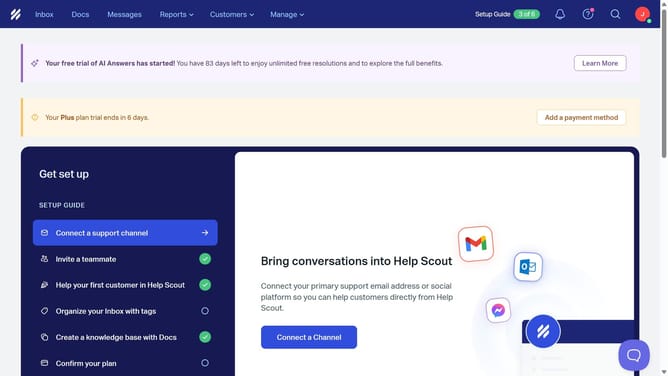
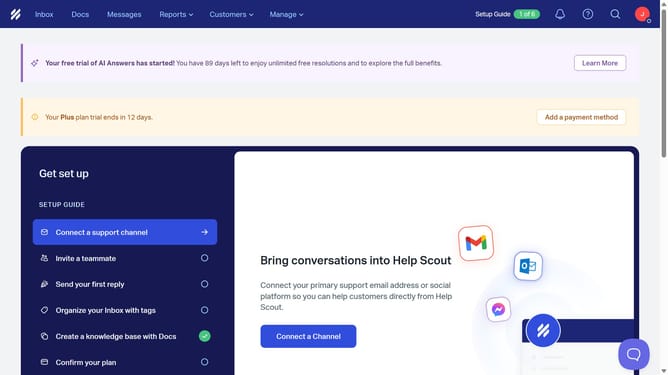
- First click on "Inbox" in the top menu.
- Then click on the compose button (pencil icon) in the left sidebar.
- Then type the message subject in the subject input field.
- Then type the recipient's email address in the "To" field.
- Then type your message in the email body.
- Finally click on the "Send" button.
Why should you send a message in HelpScout
Help Scout is an intuitive platform designed to streamline customer communication and enhance team collaboration.
Sending a message in Help Scout is a simple and efficient feature that enables teams to maintain open and clear communication channels with their customers.
By effortlessly crafting messages, teams can ensure consistent and timely responses, ultimately improving customer satisfaction and loyalty.
This feature supports dynamic customer interactions, enabling businesses to maintain a personal touch while managing queries effectively.
Last update