How to create a modal message in HelpScout
Here is how to create a modal message in helpscout
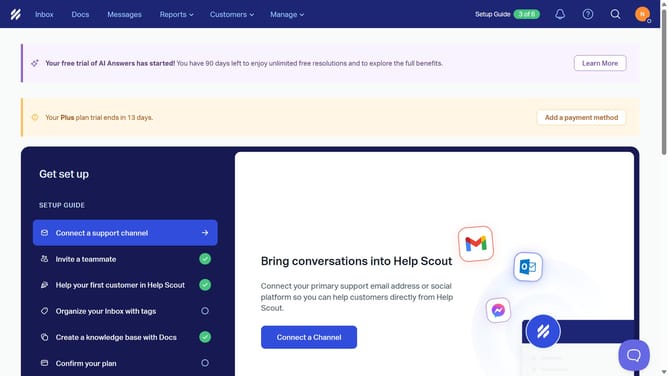
- First click on "Messages" in the top navigation menu
- Then click on "Create Message" button
- Then click on the "Name" input field and enter the message name
- Then click on the "Modal" display type option
- Then click on the "Create" button
- Then click on the "Label" input field and enter the label text
- Then click on the "Heading" input field and enter the heading text
- Then click on the "Body" text area and enter the message body content
- Finally click on the "Save" button in the top right corner
Why should you create a modal message in HelpScout
Help Scout is a customer service platform designed to improve communication with clients effortlessly.
Creating a modal message in Help Scout allows businesses to capture customer attention effectively without being intrusive.
These pop-up messages can be customized for various objectives, such as guiding users, announcing promotions, or encouraging action.
By employing modals, companies enhance user experience, ensuring that critical information reaches customers promptly and conveniently.
Last update