How to search spam conversations in HelpScout
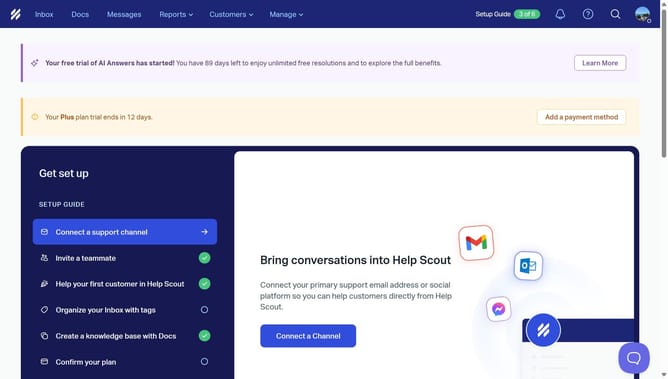
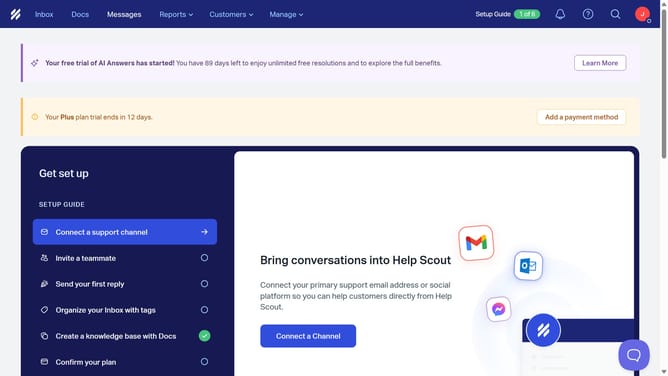
Here is how to search spam conversations in helpscout
- First click on the search icon in the header
- Next, click on the search input field and type "status:spam"
- Finally click on the 'spam' button
Why should you search spam conversations in HelpScout
Help Scout is a user-friendly platform designed to streamline customer support and enhance team collaboration.
One essential feature is the ability to search spam conversations effortlessly. This functionality not only keeps your inbox organized but also ensures important messages are never missed due to being misplaced.
By using this feature, teams can quickly identify and address false positives, maintaining high levels of communication efficiency and customer satisfaction.
Ultimately, it saves time and enhances focus by minimizing distractions from spam clutter.
Last update