How to remove profile picture in HelpScout
Here is how to remove profile picture in helpscout
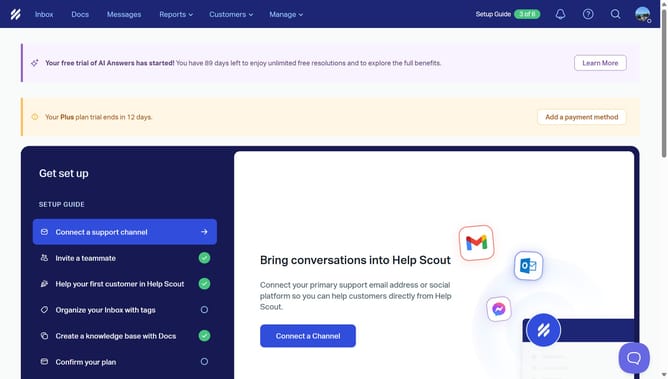
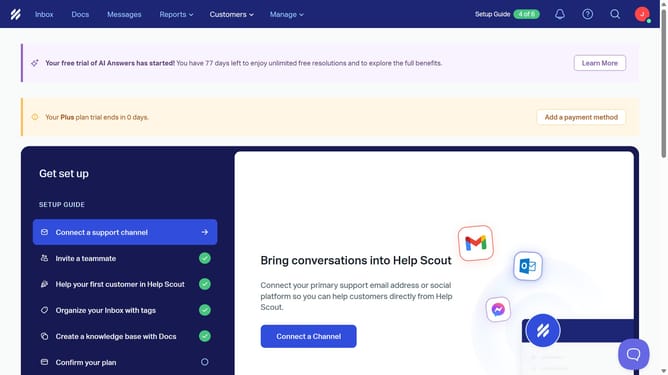
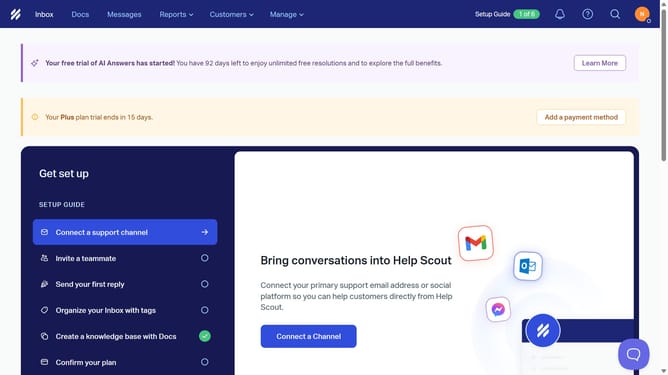
- First click on the profile picture icon in the top right corner of the header
- Then click on "Your Profile" in the dropdown menu on the right sidebar
- Next click on the "Delete" button below the "Upload" button
- Finally click on the "Remove" button in the confirmation dialog
Why should you remove profile picture in HelpScout
Help Scout is a powerful platform designed to simplify customer support interactions.
One of its features includes the ability to remove your profile picture quickly and effortlessly. With this feature, users can update their presence within the platform, ensuring a professional appearance that aligns with their current role or situation.
Removing your profile picture can enhance privacy and enable a consistent brand image, which is crucial in maintaining a cohesive communication strategy. It provides an added layer of flexibility and control over your personal branding within Help Scout.
Last update