How to merge company contacts in HelpScout
Here is how to merge company contacts in helpscout
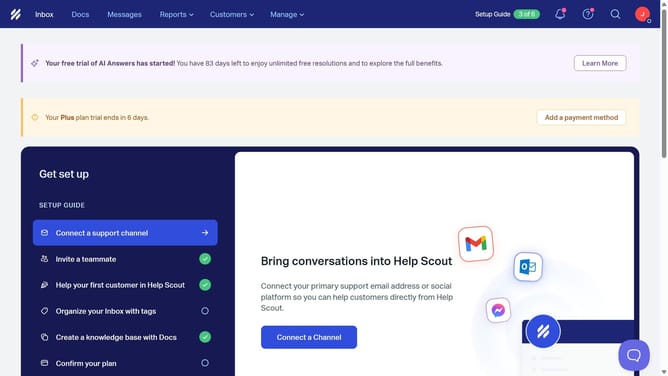
- First click on the "Customers" button in the top menu
- Then select "Companies" from the dropdown menu
- Then click on the merge icon next to the company name
- Then type the name of the company that you want to merge into the search bar
- Then select from the search results
- Then click the "Continue" button
- Finally click the "Merge" button
Why should you merge company contacts in HelpScout
Help Scout is a robust tool designed to streamline customer support interactions for businesses of all sizes.
One of its standout features is the ability to merge company contacts effortlessly.
This feature ensures that all communications, relevant data, and customer details are integrated into a single unified profile, minimizing confusion and redundancy.
By enabling the consolidation of contact information, businesses can maintain an organized database, leading to more efficient service and enhanced customer satisfaction.
Last update