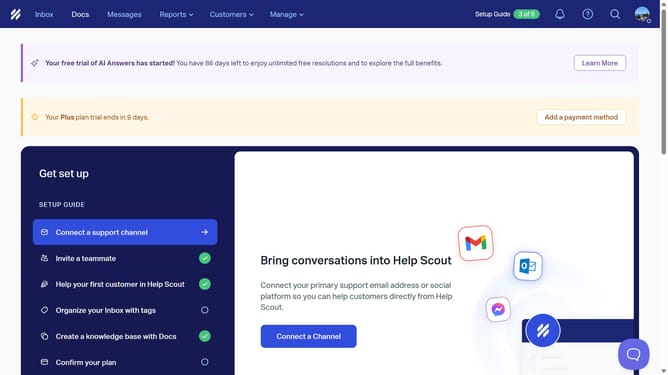
How to delete an article in docs in HelpScout
Here is how to delete an article in docs in helpscout
- First, in the top menu, click on "Docs" link
- Then, click on the trash icon next to the article title that you want to delete
- Finally, click on the "Delete" button in the confirmation dialog
Why should you delete an article in docs in HelpScout
Help Scout is your go-to platform for streamlined customer communication and support.
The ability to delete an article in Docs within Help Scout is straightforward, offering users a simple way to keep their knowledge base relevant and up-to-date.
Removing outdated or incorrect articles ensures that customers always have access to the most accurate information, enhancing their support experience.
This feature helps maintain a clutter-free space, making it easier for your team to manage content effectively and efficiently.
Last update