How to resend an invite to a user in HelpScout
Here is how to resend an invite to a user in helpscout
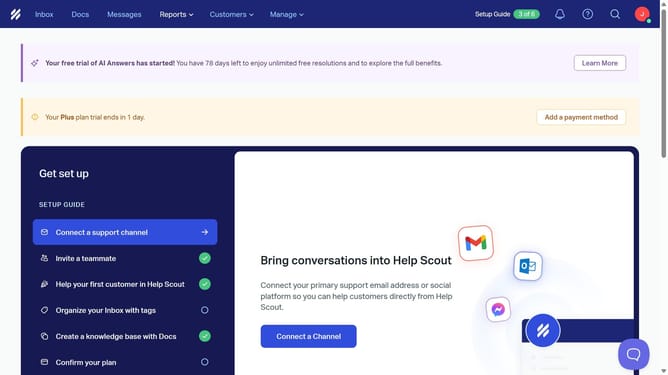
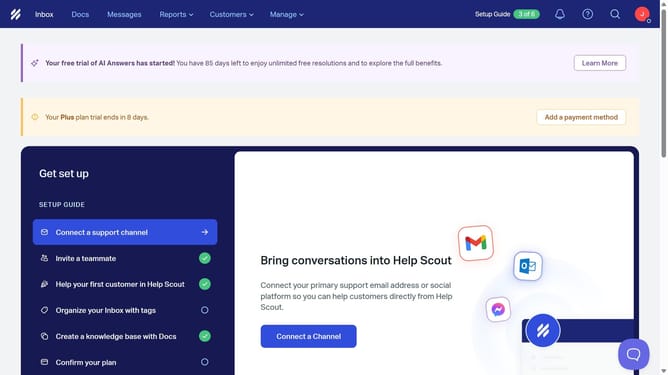
- First click on "Manage" dropdown in the top navigation menu
- Then select "Users" item from the dropdown menu
- Next click on the options menu button for the user row
- Finally click on "Resend Invite" option from the menu
Why should you resend an invite to a user in HelpScout
Help Scout is a customer service platform designed to streamline communication and enhance team productivity.
One of its handy features is the ability to resend an invite to a user. This functionality is incredibly useful in ensuring that team members who may have missed or misplaced their original invite can quickly access the platform.
By resending invites, you minimize delays in team onboarding, promoting a seamless and efficient workflow.
This feature ultimately supports maintaining consistent communication and collaboration within your team, enhancing overall service delivery.
Last update